Step By Step Guide To Making AI Logos
Why AI Logo Design is Your Business Game-Changer
AI logo design is revolutionizing how businesses establish their visual identity, offering unprecedented speed, cost savings, and professional quality that was once accessible only to large corporations with substantial design budgets.
Speed and Efficiency: From Days to Minutes
Traditional logo design typically involves multiple rounds of revisions, lengthy client meetings, and waiting periods that can stretch into weeks. In contrast, AI logo generators can produce professional-quality designs in minutes. For example, platforms like Looka and Canva’s AI tools allow businesses to input their preferences and receive multiple logo options almost instantly. This rapid turnaround means you can establish your brand identity and launch marketing materials much faster than with conventional design processes.
Cost-Effective Branding Solutions
Hiring a professional designer for a custom logo can cost anywhere from $500 to $5,000 or more, depending on the designer’s experience and project complexity. Meanwhile, AI logo design services typically range from $20 to $65 for complete branding packages. This represents significant savings, especially for startups and small businesses with limited budgets. According to recent market analysis, businesses can save up to 90% on design costs by utilizing AI tools while still achieving professional results.
Access to Professional Design Quality
AI logo generators leverage sophisticated algorithms trained on thousands of professional designs, ensuring output that meets industry standards. These platforms incorporate design principles like color theory, typography harmony, and visual balance automatically. For instance, tools analyze color psychology to suggest palettes that evoke specific emotions relevant to your industry. This means even entrepreneurs without design experience can access logo quality that would typically require hiring expensive professionals.
Unlimited Revisions and Customization
Unlike working with human designers where revisions often incur additional costs, AI platforms typically offer unlimited iterations at no extra charge. You can experiment with different fonts, colors, layouts, and icons until you find the perfect combination. This flexibility eliminates the pressure of making permanent decisions early in the design process. Many platforms also provide style guides and brand asset libraries, ensuring consistency across all your marketing materials.
Data-Driven Design Decisions
AI tools analyze current design trends and consumer preferences to recommend logos with higher potential for market success. They process vast amounts of data about what works in specific industries, helping you avoid design choices that might not resonate with your target audience. This data-driven approach removes much of the guesswork from logo creation, increasing the likelihood that your final design will effectively represent your brand and appeal to your customers.
Seamless Integration with Other AI Tools
The benefits of AI logo design extend beyond the initial creation phase. Many platforms integrate with other AI-powered marketing tools, allowing you to maintain visual consistency across all brand touchpoints. For businesses exploring additional AI creative applications, our guide to top AI art styles to explore in 2025 provides valuable insights for expanding your digital branding toolkit. This interconnected ecosystem ensures your logo becomes part of a cohesive brand identity system rather than an isolated element.
Scalability for Growing Businesses
As your business evolves, your branding needs may change. AI logo platforms make it simple to update or modify your logo without starting from scratch. Whether you’re rebranding, expanding to new markets, or adapting to changing trends, these tools provide the flexibility to keep your visual identity current. This scalability ensures your initial investment in logo design continues to deliver value throughout your business growth journey.
Choosing Your AI Logo Creation Tool
Selecting the right AI logo generator is crucial for establishing your brand identity efficiently. With numerous platforms available, understanding their core strengths and limitations helps you make an informed decision that aligns with your design needs, budget, and technical skill level.
Midjourney: For Artistic Freedom and Unique Concepts
Midjourney excels at producing highly artistic and original logo concepts. Operating through Discord, it offers unparalleled creative control via detailed text prompts. This platform is ideal for brands seeking a distinctive, illustrated, or painterly aesthetic that stands out from conventional designs. However, it requires a subscription and a learning curve to master effective prompting. Midjourney provides extensive documentation for users. For a deeper dive into the artistic styles you can achieve, explore our guide on the top AI art styles to explore in 2025.
DALL-E: Precision and Realistic Rendering
Developed by OpenAI, DALL-E is renowned for its ability to understand complex instructions and generate highly realistic images. It’s a powerful choice for logos requiring precise object representation or a photorealistic touch. You purchase credits to generate images, which can be cost-effective for smaller projects. Its main drawback for logo design is the lack of native vector output, which is essential for scalability. OpenAI’s DALL-E platform offers comprehensive usage guidelines.
Canva: All-in-One Ease and Template Integration
Canva is the go-to solution for users prioritizing speed and simplicity. Its AI logo generator integrates seamlessly with a vast library of templates, icons, and fonts, allowing for quick customization. This makes it perfect for entrepreneurs and small businesses needing a professional-looking logo without any design experience. While highly accessible, the results can sometimes feel less unique compared to more specialized AI tools. Canva’s AI applications include extensive design resources.
Adobe Firefly: Professional-Grade and Ethically Sourced
Adobe Firefly is built for professional workflows and integration with the Adobe Creative Cloud suite, including Illustrator. A key advantage is its training on Adobe Stock images, which aims to generate commercially safe content. It offers powerful text-to-vector graphic capabilities, making it a top contender for creating scalable logos ready for professional use. Access is included with many Adobe subscriptions, offering great value for existing users. Adobe Firefly provides enterprise-grade AI solutions.
Which AI Logo Tool Fits Your Needs?
Your final choice depends on your specific priorities:
- Choose Midjourney if your brand demands high-concept, artistic originality and you’re willing to invest time in learning.
- Opt for DALL-E when you need to generate a logo based on a very specific, detailed description with realistic elements.
- Select Canva for a fast, affordable, and user-friendly solution that works straight out of the box.
- Go with Adobe Firefly if you are a professional designer or require seamless integration with other design software and commercially safe, scalable vector assets.
Ultimately, the best tool is the one that effectively bridges the gap between your creative vision and your practical resources.
Crafting the Perfect AI Logo Prompt
Creating stunning, brand-aligned logos with AI requires more than just describing what you want. The most effective prompts follow a specific structure that guides the AI toward your vision while allowing for creative interpretation.
The Anatomy of a High-Performing AI Logo Prompt
A well-structured prompt typically includes these key components: subject description, style direction, color palette, composition details, and technical specifications. Each element plays a crucial role in steering the AI toward your desired outcome. For example, specifying “minimalist” versus “detailed” can dramatically change the final result, while color choices directly impact brand recognition and emotional response.
Essential Components for Brand-Aligned Results
Start with your core brand elements – these become the non-negotiable foundation of your prompt. Include your company name, industry, and any symbolic elements that represent your business. If you have existing brand colors, specify them precisely using hex codes or color names. This ensures the AI understands your brand’s visual identity from the outset.
Next, define the style and mood you want to convey. Are you aiming for professional and trustworthy? Playful and innovative? Modern and sleek? These emotional descriptors help the AI understand the personality behind your logo. Consider exploring different AI art styles to find the perfect match for your brand’s aesthetic.
- Subject: Clear description of what the logo represents
- Style: Specific artistic direction and mood
- Colors: Brand-aligned palette with precise values
- Composition: Layout preferences and element arrangement
- Technical specs: Format, complexity level, and usage context
Crafting Prompts That Generate Consistent Quality
The magic happens when you balance specificity with creative freedom. Too many constraints can limit the AI’s ability to generate unique solutions, while too little direction produces generic results. A study by Stanford researchers found that prompts with 5-7 key specifications tend to produce the most balanced and creative outcomes.
Include negative prompts – elements you specifically want to avoid. This prevents common issues like cluttered designs, inappropriate symbolism, or colors that clash with your brand identity. For instance, specifying “no gradients” or “avoid cartoonish elements” can refine the output significantly.
Remember to consider the logo’s intended use context. Will it appear primarily on digital platforms, print materials, or both? This affects decisions about complexity, scalability, and color choices. A logo that needs to work well at small sizes requires simpler elements and higher contrast, while digital-focused logos can incorporate more detail.
Advanced Techniques for Professional Results
Experienced prompt engineers often use reference images and style emulation to achieve more consistent results. Many AI logo generators allow you to upload reference images that capture the aesthetic you’re aiming for. This technique helps bridge the gap between your vision and the AI’s interpretation.
Iterative refinement is another powerful strategy. Start with a broad prompt, then use the best results to create more specific follow-up prompts. This approach, documented by AI research publications, often yields better outcomes than trying to perfect a single prompt on the first attempt.
Finally, always test your prompts across multiple generations to ensure consistency. The best prompts produce high-quality results repeatedly, not just occasionally. This reliability is crucial when you need variations of your logo for different applications or when scaling your brand assets.
Your 5-Minute AI Logo Creation Process
Creating a professional logo with AI doesn’t need to be complicated. This streamlined process helps you generate brand-aligned logos in just five minutes.
Step 1: Define Your Brand Identity
Before generating any visuals, clarify your core brand message. Identify your target audience, brand values, and the emotions you want your logo to evoke. This foundational step ensures the AI produces relevant concepts. For instance, a tech startup might prioritize a modern, minimalist aesthetic, while a bakery may seek something warm and handcrafted.
Step 2: Choose Your AI Logo Generator
Select a platform that aligns with your needs. Popular options include Looka and Canva, which offer user-friendly interfaces and extensive template libraries. These tools use machine learning to interpret your inputs and generate a variety of design options. Evaluate platforms based on customization depth, file format exports, and pricing to find the best fit for your project.
Step 3: Input Your Design Prompts
This is where you guide the AI. Input specific keywords related to your industry, desired style, and color preferences. For example, “modern tech logo, blue and white, abstract symbol.” The more detailed your prompt, the more accurate the initial results will be. Many generators also allow you to select from various AI art styles to further refine the output’s aesthetic.
Step 4: Review and Refine the Generated Concepts
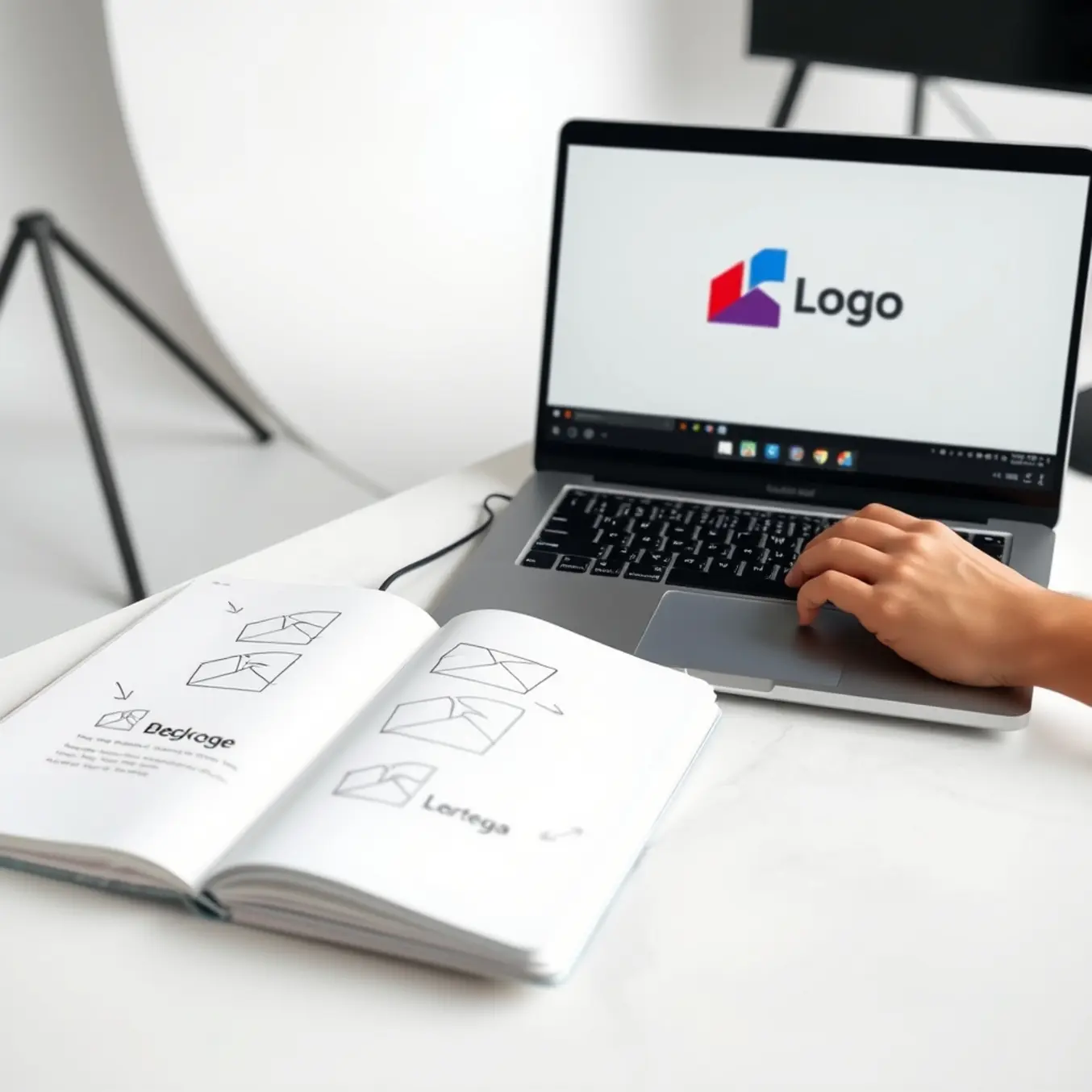
The AI will present multiple logo concepts. Review them critically against your brand identity. Most platforms offer editing tools to tweak individual elements like icons, fonts, and color palettes. Iterate on the designs you like best, using the AI’s refinement features to hone in on the perfect look. This collaborative process between your vision and the AI’s capability is key to a successful outcome.
Step 5: Download Your Final Logo Files
Once satisfied, proceed to download. A professional logo requires multiple file formats. Ensure you receive high-resolution PNG files for web use, vector EPS or SVG files for scalability without quality loss, and a PDF for print applications. Looka’s file format guide notes that having these various formats is crucial for consistent branding across all mediums.
Refining and Customizing Your AI Logo
Creating the perfect AI logo requires embracing an iterative approach. This means treating your initial AI-generated design as a starting point rather than a finished product.
Understanding the Iterative Process
Each round of refinement brings you closer to a logo that truly represents your brand identity. The process involves carefully analyzing what works and what doesn’t, then providing specific feedback to the AI tool for improvement. Successful iteration begins with understanding that AI responds best to clear, concise instructions. For example, instead of saying “make it better,” you might specify “increase the spacing between elements” or “make the color palette more vibrant.” This precision helps the AI understand your vision more accurately, leading to better results with each iteration cycle.
Essential Refinement Techniques
Several key techniques can dramatically improve your AI logo refinement process. First, focus on color adjustments by experimenting with different palettes that align with your brand’s emotional appeal. Research shows that color significantly impacts brand recognition and consumer perception. Many AI tools allow you to input specific color codes or choose from predefined brand-appropriate palettes.
Typography refinement is another crucial area. You can guide the AI to experiment with different font weights, spacing, and styles until you achieve the perfect balance between readability and personality. Additionally, consider scaling adjustments to ensure your logo maintains its impact across various applications—from business cards to billboards.
Advanced Customization Strategies
For more sophisticated customization, explore layering different AI art styles to create unique visual effects. Our guide on top AI art styles to explore in 2025 provides excellent inspiration for combining techniques like minimalism with abstract elements or geometric patterns with organic shapes. This approach can help your logo stand out in crowded marketplaces.
Another powerful strategy involves using negative space creatively. Guide the AI to incorporate hidden meanings or secondary images within your logo’s negative spaces. This technique not only adds depth to your design but also creates memorable visual elements that engage viewers on multiple levels. Meanwhile, consistency across iterations ensures your logo maintains core brand elements while evolving toward perfection.
Practical Refinement Steps
- Start with broad adjustments before focusing on fine details
- Save multiple versions to compare different directions
- Test your logo at various sizes to ensure scalability
- Gather feedback from stakeholders at key iteration points
- Use A/B testing for color and layout variations
Remember that the most effective refinements often come from stepping back and viewing your logo in different contexts. Place it on mockups of your website, products, and marketing materials to see how it performs in real-world scenarios. This contextual testing provides valuable insights that pure design analysis might miss.
Measuring Refinement Success
Establish clear criteria for when your logo has reached its final form. According to branding experts, successful logos typically balance distinctiveness with relevance to the brand’s core values. Your refinement process should systematically address both these aspects while maintaining technical excellence in execution.
Finally, document your refinement journey. Keeping notes on which adjustments produced the best results creates valuable knowledge for future projects. This documentation also helps you understand your own design preferences and communication style with AI tools, making subsequent logo creation processes even more efficient.
Exporting and Using Your AI Logo Professionally
Proper file preparation and implementation ensure your AI-generated logo maintains professional quality across all applications.
Essential File Formats for Different Uses
Understanding the right file formats ensures your AI-generated logo looks professional across all applications. For digital platforms like websites and social media, PNG format with transparent backgrounds offers maximum flexibility. Meanwhile, print materials such as business cards and brochures require vector formats like SVG or EPS for crisp scaling without quality loss.
High-resolution JPG files work well for photography-rich marketing materials, though they lack transparency options. When preparing files for professional printers, always provide CMYK color versions rather than RGB to ensure color accuracy. Each format serves distinct purposes, so maintaining multiple versions of your logo guarantees consistent branding across all touchpoints.
Exporting Best Practices from AI Platforms
Most AI logo generators provide export options tailored to different use cases. When using platforms, select the highest available resolution for print applications—typically 300 DPI or higher. For web use, balance quality with file size by choosing resolutions around 72-150 D