The Professional Guide To Ai Powered Concept Art Creation
Chapter 1: The AI Revolution in Concept Art – Why Now is the Perfect Time
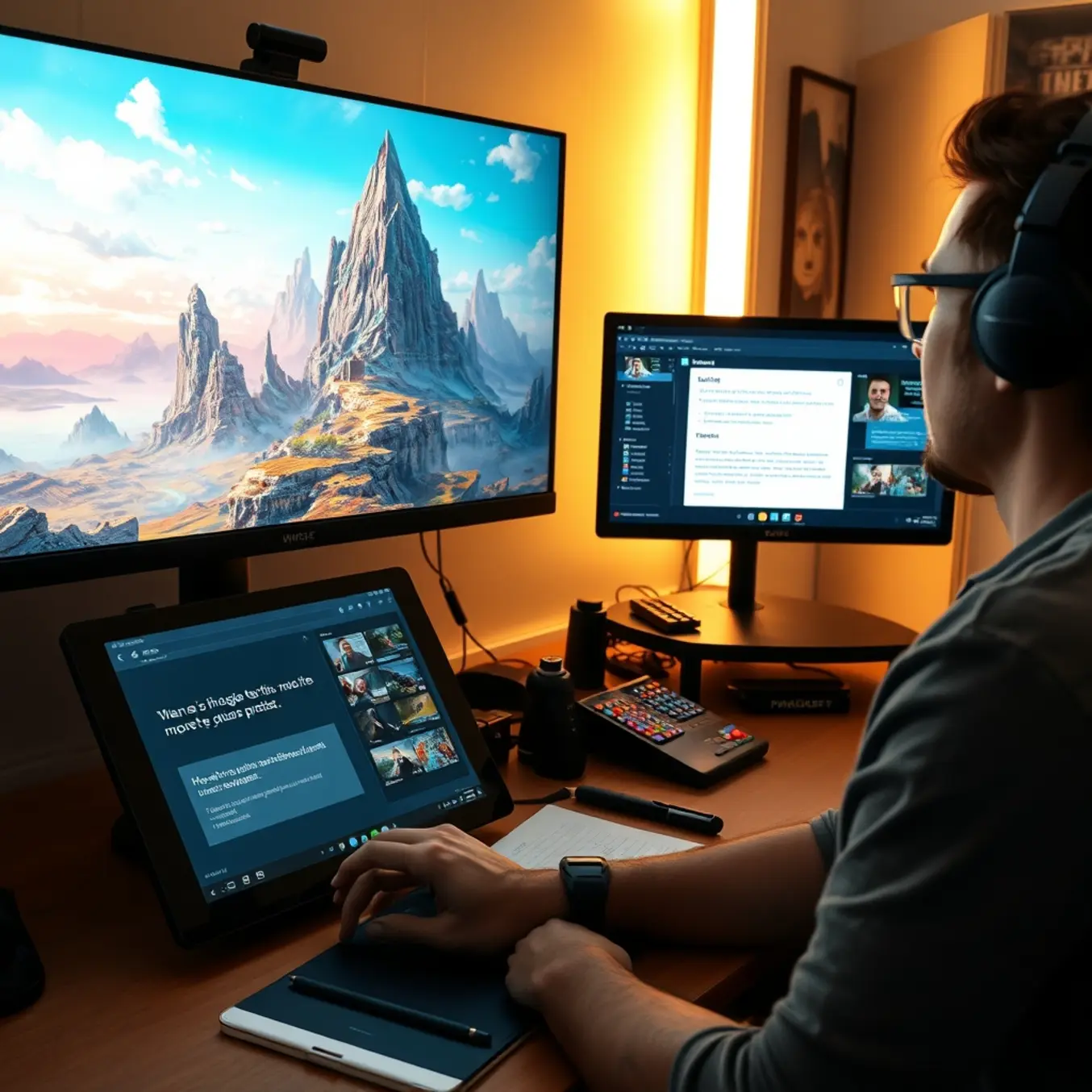
The concept art industry is undergoing a seismic shift. For decades, artists have painstakingly translated ideas from imagination to canvas, a process that is both creatively demanding and time-intensive. Today, a powerful new collaborator has entered the studio: artificial intelligence. The rise of AI concept art generators isn’t a distant future prediction—it’s the defining transformation of the present, creating an essential moment for professionals to adapt.
This revolution is driven by a convergence of technological maturity and market necessity. AI image generation has evolved from producing abstract, low-resolution curiosities to creating stunning, high-fidelity artwork that meets professional standards. Models like Stable Diffusion and Midjourney have become incredibly sophisticated, capable of interpreting complex prompts with nuanced understanding of style, composition, and lighting [Source: ARTnews]. For concept artists, this means a tool that can rapidly visualize a director’s vague description or a game designer’s wild idea, turning hours of initial sketching into minutes of iterative exploration.
The Competitive Imperative for Studios and Artists
The pressure to produce more content, faster, has never been greater. In film, gaming, and advertising, production cycles are accelerating while audience expectations for visual richness soar. Studios that leverage AI gain a decisive edge in efficiency. An AI generator can produce dozens of environment concepts, character variations, or prop designs in the time it takes to complete a single traditional sketch. This allows for broader creative exploration in pre-production, ensuring the final chosen direction is the best possible option.
However, this isn’t about replacing artists; it’s about augmenting human creativity. The most successful professionals are those who become “AI-augmented concept artists.” They use generators to overcome creative blocks, rapidly prototype ideas, and handle repetitive tasks, freeing their focus for high-level creative direction, storytelling, and the final polish that requires a human touch [Source: VentureBeat]. Consequently, artists who resist this tool risk being left behind by those who harness its power to deliver superior work at unprecedented speed.
A Tool for Every Stage of the Pipeline
The utility of AI extends across the entire concept art pipeline:
- Ideation & Mood Boards: Instantly generate a spectrum of visual styles and atmospheres to set a project’s tone.
- Asset Generation: Quickly create variations on weapons, vehicles, or costumes, providing more options for decision-makers.
- Environment Sketching: Populate vast landscapes or architectural interiors with coherent detail, serving as a perfect base for further painting.
Moreover, the technology is becoming more accessible and integrated. User-friendly platforms are lowering the barrier to entry, while plugins for industry-standard software like Photoshop are weaving AI directly into artists’ familiar workflows [Source: Adobe]. This seamless integration makes adoption a natural step rather than a disruptive overhaul.
The perfect time to adopt AI is now, during this period of rapid evolution and opportunity. By integrating these tools, artists and studios don’t just keep pace—they redefine what’s possible, pushing creative boundaries while operating with newfound efficiency. The future belongs to those who create with both brush and algorithm. To explore the specific artistic styles these powerful tools can help you master, see our guide on the top AI art styles to explore.
Chapter 2: Top 5 AI Concept Art Generators for Commercial Use
Midjourney: The Artistic Powerhouse
Midjourney has become a cornerstone for professional concept artists seeking high-quality, stylistically rich imagery. Operating primarily through Discord, it excels at generating evocative, painterly, and often cinematic visuals with a strong artistic flair. For commercial projects, its ability to interpret complex prompts with a distinct aesthetic—from photorealistic characters to fantastical environments—is unparalleled. Key features for professionals include advanced upscaling, the versatile “Vary (Region)” tool for in-painting edits, and consistent character generation across multiple images. While its subscription model and lack of a traditional desktop interface can be a learning curve, the quality and creative control it offers make it a top choice for studios and freelancers producing key art, character designs, and mood boards [Source: Midjourney].
DALL-E 3: The Prompting Precision Expert
Integrated directly into ChatGPT, OpenAI’s DALL-E 3 shines in its exceptional ability to understand and execute detailed, complex textual descriptions with high accuracy. This makes it ideal for commercial workflows where specific, client-driven briefs must be followed to the letter, such as in advertising, product concepting, or storyboarding. It handles typography and multi-object scenes with remarkable coherence. For teams already using ChatGPT Plus or Enterprise, it offers a seamless, user-friendly experience. However, its outputs can sometimes lack the raw artistic “wow” factor of Midjourney, leaning towards a cleaner, more illustrative style. Its commercial usage policies are clear, and generated images come with full usage rights, providing security for commercial projects [Source: OpenAI].
Stable Diffusion: The Open-Source Flexibility Champion
For studios requiring maximum control, customization, and integration into existing pipelines, Stable Diffusion is the definitive tool. As an open-source model, it can be run locally, ensuring data privacy and allowing for endless customization through community-created models (checkpoints), LoRAs, and plugins. This flexibility lets teams fine-tune a model on their own art style or specific assets. User-friendly interfaces like Automatic1111 and ComfyUI provide granular control over every generation parameter. Consequently, it’s perfect for iterative concepting, generating texture ideas, or creating perfectly tailored base images for further refinement in Photoshop. The learning curve is steeper, but the payoff is an unparalleled, studio-specific workflow [Source: Stability AI].
Adobe Firefly: The Integrated Ecosystem Player
Adobe Firefly’s greatest strength is its deep integration into the Creative Cloud suite, including Photoshop, Illustrator, and Express. This allows for a non-destructive, layer-based workflow that feels native to professional artists. Features like Generative Fill and Text to Vector Graphic are revolutionary for rapid ideation and asset creation directly within familiar software. For commercial use, Adobe offers an indemnity for content generated in Firefly, significantly mitigating legal risk. While its underlying model may not always match the pure artistic output of Midjourney, its seamless ability to generate, expand, and edit assets within a production environment makes it an indispensable tool for efficiency and rapid prototyping in professional studios [Source: Adobe].
Leonardo.Ai: The Game Art Specialist
Rising rapidly in popularity, Leonardo.Ai is tailored for game development and real-time project needs. It offers a powerful web interface with features highly relevant to commercial concept art, such as AI Canvas for detailed editing, prompt generation from images, and a robust platform for training custom models on your own artwork. Its extensive model library includes many fine-tuned for specific styles like fantasy character art or cyberpunk environments. Furthermore, Leonardo excels at generating consistent assets, such as multiple views of a character or tiling textures, which are critical for game production pipelines. For studios focused on games, animation, or any 3D pipeline, it provides a compelling blend of power, control, and practical utility [Source: Leonardo.Ai].
Choosing the Right Tool for Your Commercial Pipeline
Selecting the best AI concept art generator depends on your specific commercial needs. For instance, prioritize Midjourney for standalone, high-impact key art. Choose DALL-E 3 for advertising concepts requiring strict adherence to copy. Opt for Stable Diffusion if you need a customizable, private workhorse integrated into your tools. Meanwhile, Adobe Firefly is ideal for teams deeply embedded in Creative Cloud. Finally, Leonardo.Ai is the go-to for game studios needing asset consistency. Many professional studios successfully use a combination of these tools, leveraging each for its unique strengths within different stages of the concept art workflow. To explore how these tools can create different artistic styles, from photorealism to anime, check out our dedicated guide.
Chapter 3: Mastering Prompt Engineering for Professional Results
Moving beyond basic prompts is essential for artists and designers who need consistent, high-quality outputs that match a specific creative vision. This chapter dives into advanced techniques for crafting precise text commands that give you greater control over AI concept art generators, transforming them from unpredictable tools into reliable partners for professional work.
The Anatomy of a Professional-Grade Prompt
A powerful prompt is more than a simple description; it’s a structured instruction set. Think of it as a brief you would give to a human artist. The most effective prompts combine several key elements:
- Subject: The main focus (e.g., “a cyberpunk samurai,” “an ancient tree city”).
- Style & Medium: The artistic approach (e.g., “in the style of Studio Ghibli,” “digital painting,” “charcoal sketch”). For inspiration on trending aesthetics, explore our guide on the top AI art styles to explore in 2025.
- Composition & Lighting: Guidance on framing and mood (e.g., “low-angle shot, dramatic chiaroscuro lighting,” “wide establishing shot, golden hour”).
- Details & Attributes: Specific features, textures, and colors (e.g., “wearing polished chrome armor, neon reflections in rain,” “bioluminescent fungi, moss-covered bark”).
- Technical Parameters: Instructions for the AI model itself, often using specific syntax like “–ar 16:9” for aspect ratio or “–s 750” for stylization strength.
By systematically including these components, you guide the AI with much greater precision, significantly reducing random outputs and iterations.
Advanced Techniques for Precise Control
To achieve truly professional results, you must master techniques that refine your intent.
Leverage Weighting and Negation
Most advanced AI art platforms allow you to assign weight to different parts of your prompt. Using symbols like ( ) to increase importance and [ ] to decrease it lets you fine-tune the focus. For example, (cyberpunk samurai:1.3) tells the AI to prioritize that subject more. Conversely, you can exclude unwanted elements: adding --no blurry, deformed hands helps avoid common AI pitfalls.
Employ Sequential and Alternative Prompting
For complex scenes, break your vision down into steps. You might first generate a compelling character, then use that image as a base to build a detailed environment around them—a technique known as inpainting or outpainting. Alternatively, use the | symbol to offer the AI options: armor made of (obsidian|jade|weathered bronze) can quickly yield a set of variations for client review.
Utilize Image and Style References
One of the most powerful professional techniques is using an existing image as a reference for style, color palette, or composition. By uploading a mood board image or a sketch alongside your text prompt, you can instruct the AI to “adopt the color scheme of this reference” or “mimic the brushwork.” This creates remarkable consistency across a project.
Iteration and Refinement: The Professional Workflow
Professional results rarely come from a single prompt. Instead, they emerge from a cyclical process of generation, analysis, and refinement.
- Generate a Batch: Start with a strong, detailed prompt and create 4-8 variations.
- Analyze the Outputs: Identify what works (e.g., perfect lighting on batch #3) and what’s missing (e.g., the armor detail is wrong).
- Refine the Prompt: Integrate your analysis. Strengthen the successful elements with weighting and add more specific language to correct shortcomings. You might change “armor” to “segmented plate armor with glowing circuit lines.”
- Repeat: Use the best output as a new base, either through subtle prompt tweaks or by using it as an image reference for the next round.
This iterative loop, supported by the techniques above, allows you to steer the AI deliberately toward your goal. It transforms generation from a game of chance into a controlled, creative dialogue where each iteration builds upon the last.
Mastering these prompt engineering skills is what separates hobbyist experimentation from viable professional use. By providing clear, structured, and nuanced instructions, you harness the full potential of AI as a collaborative tool, enabling the production of concept art that is not only high-quality but also specifically aligned with your unique vision and project requirements [Source: arXiv]. For more insights into integrating these tools into a creative workflow, visit our blog at Pictomuse.
Chapter 4: Building Your AI Concept Art Workflow
Integrating AI into your creative pipeline isn’t about replacing artists; it’s about augmenting their capabilities to accelerate ideation and unlock new creative possibilities. A well-structured workflow turns powerful tools like Midjourney or Stable Diffusion from novelties into indispensable production assets. This step-by-step guide outlines how to build a seamless, professional AI concept art workflow for commercial projects.
Phase 1: Foundation & Briefing (The Human-Centric Start)
Every successful project begins with a clear creative direction. Before generating a single image, solidify your brief.
- Define the Core Pillars: Establish the project’s mood, key themes, color palettes, and artistic style. Are you aiming for a gritty cyberpunk city or a serene fantasy landscape? Reference our guide on Top AI Art Styles to Explore in 2025 for inspiration.
- Gather Reference Materials: Compile mood boards with photographs, existing artwork, and material samples. This visual library is crucial for crafting effective AI prompts and ensuring consistency.
- Set Technical Parameters: Determine the required output resolution, aspect ratio, and any necessary technical constraints for your final deliverables.
This phase ensures the AI has a clear “creative blueprint” to follow, preventing wasted time on irrelevant iterations [Source: ArtStation Learning].
Phase 2: Rapid Ideation & Exploration (The AI Powerhouse)
With a solid brief, use AI to explode the concept space far beyond traditional sketching speed.
- Prompt Crafting & Iteration: Translate your brief into detailed, structured prompts. Start broad, then refine. For example, move from “a warrior” to “a weathered samurai in ornate lacquer armor, standing in a rain-slicked neon alley, cinematic lighting, Blade Runner aesthetic.”
- Batch Generation for Diversity: Use AI tools to generate multiple variations (e.g., 4-8 images per prompt) to explore different compositions, character designs, or environmental angles simultaneously.
- Hybrid Techniques: Employ advanced methods like img2img (image-to-image), where you feed a rough sketch to the AI for refinement, or inpainting to edit specific parts of a generated image. This creates a powerful feedback loop between human intent and machine execution.
This stage is for quantity and surprise, allowing you to discover unexpected and inspiring directions quickly [Source: arXiv].
Phase 3: Curation & Refinement (The Artistic Filter)
AI generates options; the artist makes choices. This is where professional judgment is paramount.
- Select & Composite: Choose the strongest elements from different AI generations. The best final concept is often a composite—taking a character pose from one image and the lighting from another, assembled in Photoshop.
- Human Touch-Up & Overpaint: AI outputs often have flaws in anatomy, texture, or logical details. Use digital painting to correct errors, enhance key focal points, and inject a unique, polished artistic style that the AI cannot replicate.
- Client/Team Review Integration: Present refined AI-assisted concepts alongside traditional sketches. This demonstrates the ideation breadth and focuses feedback on the strongest directions, streamlining the approval process.