The Complete Guide To Creating A Professional Logo With AI
Chapter 1: Why AI Logo Generators Are Revolutionizing Brand Design
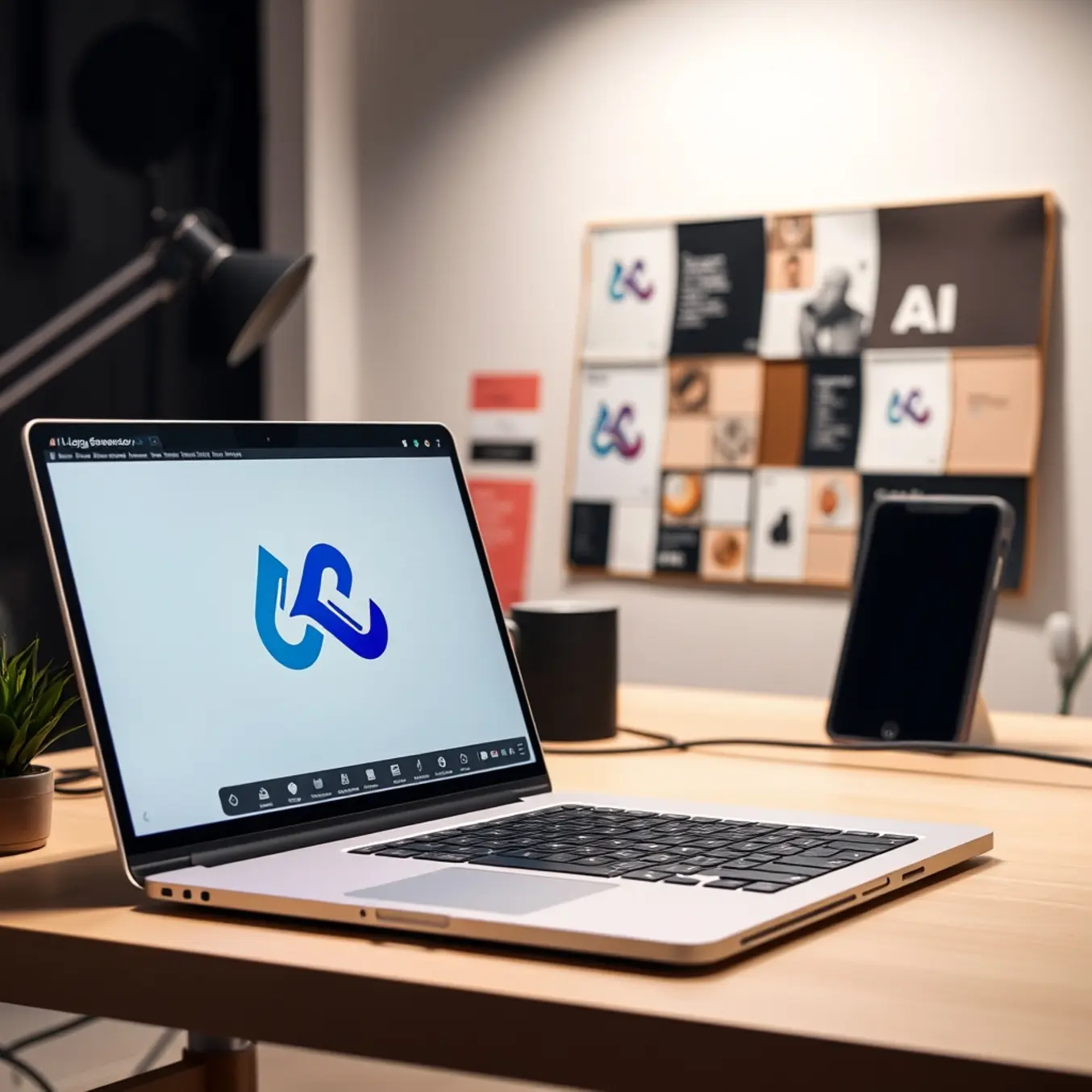
For decades, creating a professional logo required a significant investment—either in hiring a costly designer or dedicating years to mastering complex software like Adobe Illustrator. This barrier locked countless entrepreneurs, small business owners, and startups out of the high-quality brand identity they needed to compete. Today, AI logo generators are dismantling that barrier entirely. By translating simple text prompts into polished visual concepts, these tools make professional-grade design accessible to anyone with an idea, regardless of their artistic skill level [Source: Wired].
The traditional logo design process is notoriously slow, often involving multiple rounds of briefs and revisions over weeks or months. AI compresses this timeline into minutes. Users can input descriptive keywords about their business, and the AI engine instantly generates dozens of unique options. This unprecedented speed allows for rapid iteration, letting you explore different AI art styles, color palettes, and iconography in a single sitting.
Financially, the impact is just as transformative. Hiring a freelance designer or agency can cost hundreds to thousands of dollars, a prohibitive expense for bootstrapped ventures. AI logo generators offer a powerful alternative at a fraction of the cost, often with free tiers or low-cost subscriptions. This enables small businesses to redirect funds towards other critical areas like product development or marketing while securing a credible visual identity [Source: Forbes].
Beyond simple generation, advanced AI tools leverage vast datasets of design principles and current trends to create logos that are strategically sound. They can suggest color combinations that evoke specific emotions or layouts that ensure scalability. Furthermore, the best platforms offer extensive customization suites, allowing users to tweak every element—fonts, icons, spacing, and colors—to perfect the design without needing technical expertise.
Ultimately, by removing the traditional friction from logo design, AI provides a significant competitive advantage. It offers the agility to test concepts, launch products, or refresh a brand with unprecedented speed, revolutionizing how brands are born and grown in the digital age.
Chapter 2: Top 5 AI Logo Generator Tools Compared
Choosing the right AI logo generator is crucial for getting a professional result without overspending. Here is a direct, feature-by-feature comparison of the top five platforms to help you make an informed decision.
1. Looka (Formerly Logojoy)
Looka is a powerhouse for entrepreneurs who want a complete brand identity fast. After generating your logo, the platform instantly creates matching business cards, social media kits, and website designs. It starts with a simple questionnaire about your style preferences and delivers high-resolution PNG and SVG files. Pricing includes a one-time purchase of $65 for high-res files and full copyright ownership, making it best for startups needing a quick, cohesive brand identity from logo to launch [Source: Looka].
2. Wepik Logo Maker
Wepik stands out by offering a robust free plan, ideal for testing ideas with zero financial commitment. Its editor provides deep customization, allowing you to edit every element of free designs (which include a watermark). A Premium plan at $9.99/month removes the watermark and grants full commercial rights. It’s best for bootstrappers or anyone wanting to experiment before purchasing [Source: Wepik].
3. Hatchful by Shopify
Hatchful is a 100% free tool from Shopify, optimized for e-commerce. It excels at creating logos that look great on websites and social profiles, offering industry-specific templates and automatically resizing your logo for all major platforms—all without watermarks or fees. It’s the top choice for new online store owners on a strict budget [Source: Shopify Hatchful].
4. Canva Logo Maker
Canva leverages its vast design ecosystem, allowing seamless integration of your logo into presentations, marketing materials, and social posts within the same platform. It features an intuitive drag-and-drop editor and a massive asset library. While it has a free plan, Canva Pro ($12.99/month) unlocks the full logo maker and Brand Hub. It’s perfect for marketers and teams already using Canva for other design needs [Source: Canva].
5. DesignEvo
DesignEvo offers a straightforward, one-page experience with a massive library of over 10,000 pre-made logo templates, making it ideal for a fast, template-driven approach. It allows simple customization of text, icons, and colors. Pricing starts at $24.99 for high-res files. It’s best for individuals or small businesses seeking an affordable, quick-turnaround solution [Source: DesignEvo].
Selecting a platform depends on your specific needs. Define your budget and must-have features first. If you need a full brand identity immediately, Looka is a strong investment. To validate a business idea, start with free tools like Hatchful or Wepik. For those creating extensive marketing materials, Canva’s integrated ecosystem is highly efficient.
Chapter 3: Your Step-by-Step Guide to Creating Your First AI Logo
Step 1: Define Your Brand’s Core Identity
Before typing a prompt, you need clarity. A great logo is a visual shortcut to your brand’s story. Ask key questions: What is my company’s mission? Who is my target audience? What three words should people associate with my brand? Jot down your answers. This foundation ensures your logo is meaningful and guides every design decision.
Step 2: Choose the Right AI Logo Generator
Select a tool specifically trained for branding. Look for platforms offering industry-specific templates, detailed text prompts, and high-resolution, editable vector files. Options like Looka or Designs.ai are built for this purpose. For inspiration on unique artistic directions that could influence your logo, explore our guide on the top AI art styles to explore.
Step 3: Craft a Detailed, Strategic Prompt
The quality of your output depends entirely on your instructions. Use a comprehensive prompt formula: [Style] logo for a [Industry] company named [Your Brand Name]. The logo should convey [Adjective 1] and [Adjective 2] feelings. Use a symbol of [Concept] and a color palette of [Color 1] and [Color 2]. Make it minimalist/modern/classic. For example: “Minimalist and modern logo for a sustainable coffee shop named ‘Arbora’. The logo should convey calm and organic feelings. Use a simple, abstract symbol of a coffee plant leaf with a palette of forest green and warm beige.”
Step 4: Generate, Refine, and Iterate
Don’t settle for the first result. Generate multiple batches using slight variations of your core prompt. Change one element at a time—try a different symbol or adjust the style description. Use the tool’s refinement features to tweak the icon shape, spacing, or font pairings. This iterative process is key to moving from a generic AI output to a unique, custom-feeling logo.
Step 5: Finalize and Secure Your Brand Assets
Once satisfied, secure the final files. A professional logo requires multiple formats: a high-resolution PNG with a transparent background for digital use, a vector file (SVG or AI) for infinite scalability in print, and color variations (full-color, single-color, reversed). Finally, conduct a quick trademark search to ensure your new logo is unique in your industry [Source: Pictomuse Blog].
Chapter 4: Pro Tips for Customizing and Perfecting Your AI-Generated Logo
An AI-generated logo is a powerful starting point, but refinement is where you make it uniquely yours. First, critically assess the output against your brand identity. Fine-tune the color palette using tools like Adobe Color to ensure it evokes the right emotions. Examine and potentially swap the typography for a font that better matches your brand voice. Simplify any overly complex AI-generated graphics to ensure clarity and scalability.
To guarantee uniqueness and legal safety, treat the AI output as a foundational sketch. Make significant modifications to shapes and composition. Crucially, verify that your design does not infringe on existing trademarks by searching the USPTO database. You cannot trademark a logo that uses generic stock elements or is too similar to an existing mark. For more on the creative potential and boundaries of AI design, explore our guide on top AI art styles.
Apply professional polish by vectorizing your final design using software like Adobe Illustrator or Inkscape. This creates a scalable master file essential for everything from business cards to billboards. Establish a simple style guide defining logo spacing, color variations, and minimum size rules to ensure consistent application.
Chapter 5: Download and Implementation: Getting Your Logo Ready for Business
Your new logo is the cornerstone of your visual identity. To ensure it works flawlessly everywhere, you need the right files and a clear implementation plan.
Essential Logo File Formats: The Digital Toolkit
Every logo needs a versatile set of files:
- Vector Files (AI, EPS, SVG): These are your master files. Made of mathematical paths, they scale to any size—from a business card to a billboard—without losing quality. Always keep these original files safe for future edits [Source: Adobe].
- Raster Files (PNG, JPG): These are for digital use. PNG files support transparency, perfect for websites and social media. Use high-resolution versions (300 DPI) for professional printing and optimized versions for the web.
Logo Color Variations & Lockups
Prepare these standard variations:
- Full-Color Logo: Your primary version.
- Black and White Version: For single-color applications like faxes or embossing.
- Reversed (White) Version: For placement on dark backgrounds.
- Icon or Symbol Only: For use as a favicon or social media profile picture.
- Horizontal and Vertical Lockups: Different layouts to ensure readability in various spaces.
Integrating Your Logo Across Business Platforms
Roll out your logo consistently to build instant recognition:
- Digital Presence: Update your website header, favicon, social media profiles, and email signature.
- Print & Physical Materials: Order new business cards, letterhead, packaging, and signage.
- Marketing & Advertising: Apply it consistently to digital ads, brochures, and vehicle decals. For visual inspiration in future campaigns, consider the top AI art styles to explore in 2025.
Finally, create a simple brand style guide specifying your exact color codes (HEX and CMYK), primary typeface, and logo usage rules. This ensures anyone who works with your brand maintains a professional and consistent presentation.
Sources
- Adobe – What is a vector file?
- Canva – Free Logo Maker
- DesignEvo – Free Online Logo Maker
- Forbes – The Rise Of AI In Graphic Design: What It Means For Creatives And Brands
- Looka – Logo Maker & Brand Identity Platform
- Pictomuse – Top AI Art Styles to Explore in 2025
- Pictomuse Blog
- Shopify – Hatchful Logo Maker
- Wepik – Free Logo Maker
- Wired – AI Tools Are Democratizing Graphic Design. Who Benefits?