Design High Converting Marketing Banners With AI A Step By Step Guide
From Hours to Minutes: The AI Banner Maker Revolution
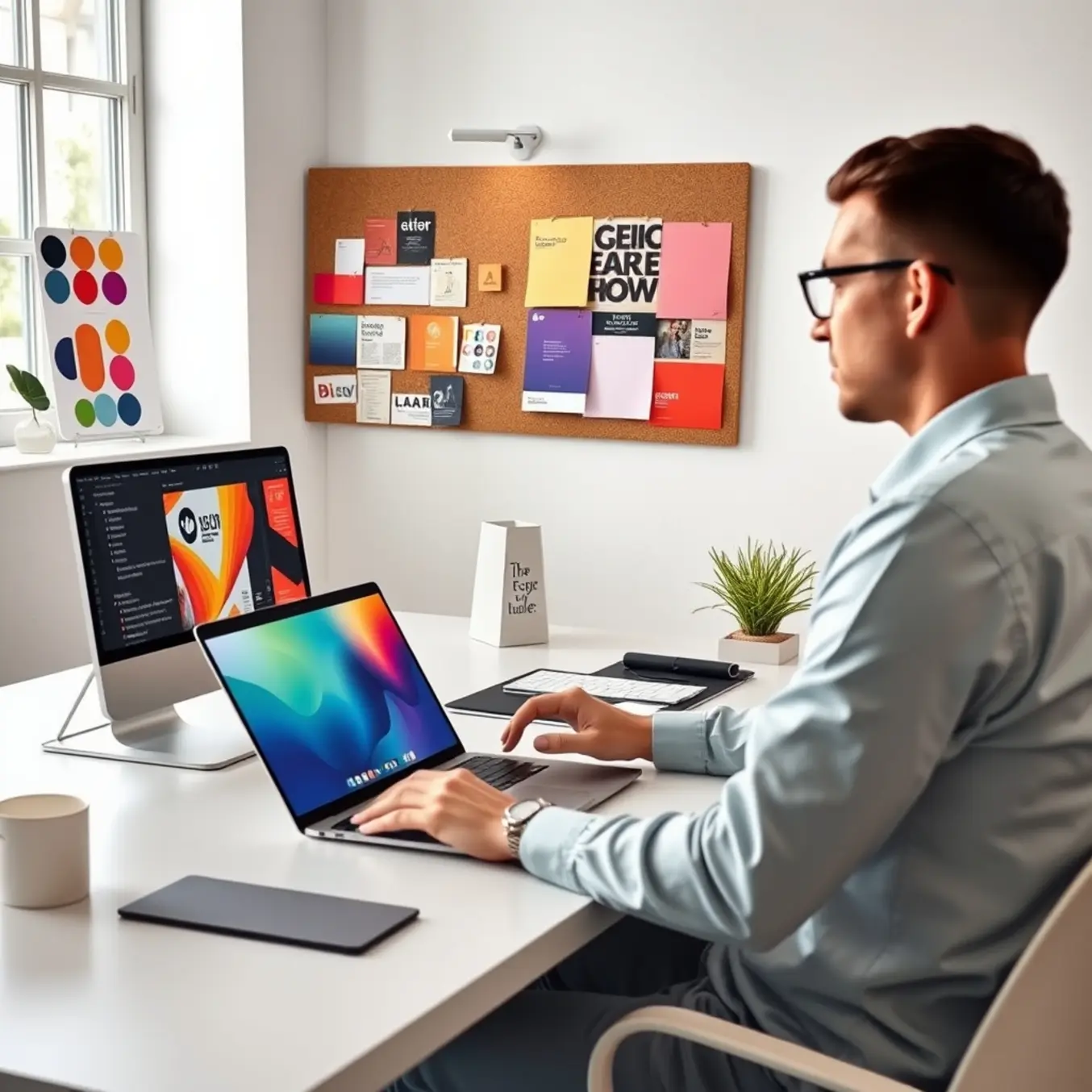
Gone are the days of wrestling with complex design software or waiting for freelancers. AI banner makers are fundamentally changing the marketing landscape by collapsing design timelines from hours to mere minutes. This isn’t just a minor improvement; it’s a complete overhaul of the creative workflow. Marketers can now generate professional, on-brand visuals almost instantly, allowing them to respond to trends, run A/B tests, and launch campaigns with unprecedented speed [Source: Pictory]. In a digital environment where audience attention is fleeting, this agility is no longer a luxury—it’s a critical competitive advantage.
Why Speed is Your New Marketing Superpower
The direct impact of this accelerated design process is profound. First, it enables true real-time marketing, allowing teams to capitalize on viral moments with custom banners before the conversation moves on. Secondly, it liberates valuable human resources. Marketing teams can redirect hours saved from manual design toward higher-value strategic work, like campaign analysis and audience engagement. Finally, it empowers rapid experimentation. You can create dozens of banner variations in the time it used to take to make one, allowing for data-driven optimization of visuals for maximum click-through and conversion rates [Source: HubSpot]. This iterative approach is key to improving campaign performance efficiently.
The 5-Step Banner Creation Workflow for High Conversions
Creating a banner that stops the scroll and drives action requires a proven, repeatable process. This five-step framework ensures every creative decision is intentional and data-backed.
- Define the Core Objective & Audience: Crystallize your goal (awareness, launch, sale) and define your target audience with precision. This dictates every element that follows.
- Craft a Compelling Value Proposition & Hook: Your headline must communicate a clear, irresistible benefit in seconds. Use power words, address a specific problem, or highlight an exclusive offer.
- Design for Visual Hierarchy & Clarity: Establish a clear visual hierarchy so the eye travels naturally from the hook to the call-to-action (CTA). Use contrast and negative space strategically, and ensure every graphic element reinforces the core message. Exploring modern AI art styles can provide fresh, attention-grabbing visuals.
- Implement a Strong, Action-Oriented CTA: Your CTA must be visually prominent and use actionable language like “Shop Now” or “Download.” Ensure it contrasts with the background and is placed in an expected location.
- Rigorous A/B Testing & Iteration: Create multiple variants to test headlines, images, and CTAs. Use data to iterate and optimize, moving from guesswork to reliable performance [Source: HubSpot].
Crafting Professional AI Banners: Proven Prompt Formulas
Creating a polished banner with AI requires structured, detailed prompts. A powerful framework is: Subject + Style + Composition + Details + Technical Specs.
For example, instead of “a banner for a coffee shop,” use: “Create a wide rectangular web banner for ‘Morning Brew Café’. The scene is a cozy, sunlit café interior with a steaming latte on a wooden table. Use a warm, photorealistic style with soft lighting. Include the text ‘Start Your Perfect Day’ in a modern sans-serif font. The color palette should be warm browns, creams, and soft gold. Render in high detail.”
Incorporate advanced strategies like referencing specific artistic styles (e.g., “minimalist Swiss design”), using negative prompts (e.g., “–no cluttered background”), and specifying technical parameters like aspect ratio (--ar 16:9) for precise control [Source: Midjourney Documentation].
Simple Tweaks to Boost AI Banner Conversions
AI-generated banners often need a human touch to drive action. Apply these strategic adjustments:
- Refine the Core Message: Simplify AI-generated headlines for instant clarity. Use direct, action-oriented language that states the value proposition within three seconds [Source: Nielsen Norman Group].
- Optimize Visual Hierarchy: Manually adjust the composition to ensure the most important element is the dominant focal point. Increase text-background contrast for better readability.
- Incorporate Authentic Social Proof: Overlay real customer testimonials, ratings, or trusted logos to build trust—something purely AI-generated imagery lacks [Source: Adobe Business].
- A/B Test Your Call-to-Action: Create variants testing different CTA phrases, colors, and placements. Minor wording changes can lead to major differences in click-through rates.
- Ensure Consistent Brand Integration: Review outputs for consistent use of your official color palette, fonts, and logo to maintain credibility and strengthen brand identity.
5 Critical AI Banner Design Errors That Look Cheap (And How to Fix Them)
AI tools can produce amateurish results if not guided properly. Avoid these five common pitfalls:
- Low-Resolution or Generic Images: Upscale final images to high resolution and use detailed, multi-layered prompts to generate unique visuals. For unique inspiration, explore the top AI art styles to explore in 2025.
- Cluttered Layouts: Embrace negative space and a clear visual hierarchy. Use AI to generate one strong focal point and build a clean layout around it with limited fonts and a cohesive palette.
- Inconsistent Color Schemes: Lead with your brand palette. Use hex codes in your prompts and fine-tune colors in editing software to ensure brand recognition.
- Awkward Typography: Integrate typography into your design concept from the start. Choose a font that matches the image tone and use effects or strategic placement to ensure supreme readability.
- Ignoring Platform Specifications: Always start with the exact required dimensions for your ad placement and keep critical elements within the central “safe zone” to avoid cropping [Source: Sprout Social].
The Top AI Banner Maker Tools for Professional Results
Choosing the right tool is essential for quality and efficiency. Here are top platforms that deliver exceptional value:
- Canva AI: Integrates powerful AI like “Magic Design” into a user-friendly suite, excellent for team collaboration and brand consistency [Source: Canva].
- Adobe Firefly (Within Express): Excels at creating unique, high-resolution images with a focus on commercially safe, ethically sourced content, ideal for professional workflows [Source: Adobe].
- Pictory: Stands out for creating AI-powered video banners and social clips, transforming scripts or URLs into short, branded videos [Source: Pictory].
- Bannerbear: Automates design at scale via API, perfect for e-commerce or affiliates needing hundreds of personalized banners efficiently [Source: Bannerbear].
- Designs.ai: An all-in-one platform with AI tools for logos, video, speech, and graphics, offering comprehensive value for establishing a visual identity.
Select based on your need: ease-of-use (Canva), ethical image generation (Adobe Firefly), bulk creation (Bannerbear), video content (Pictory), or a full asset suite (Designs.ai).
The Non-Negotiable Tech for Modern Marketers
Adopting AI-driven design tools is rapidly shifting from an innovative option to an industry standard. Competitors who leverage this technology gain a significant edge in content velocity and cost-efficiency. It allows businesses to maintain a consistent and fresh visual presence across all channels without straining budgets or timelines. The technology also democratizes quality design, ensuring teams without a dedicated designer can produce work that aligns with modern aesthetics. Ultimately, integrating an AI banner maker is a strategic move to future-proof your marketing efforts, ensuring you can keep pace with the accelerating demand for visual content.
Sources
- Adobe – Adobe Firefly: Generative AI for creatives
- Adobe Business – What is Social Proof?
- Bannerbear – Automated Image Generation API
- Canva – AI-Powered Design Tools
- Designs.ai – AI-Powered Design Suite
- HubSpot – The Ultimate Guide to A/B Testing
- Midjourney Documentation – Parameter List
- Nielsen Norman Group – Banner Blindness Revisited
- Pictomuse – Top AI Art Styles to Explore in 2025
- Pictory – AI Video Generator
- Sprout Social – Social Media Image Sizes Guide