How Startups Save Money With AI Design Tools
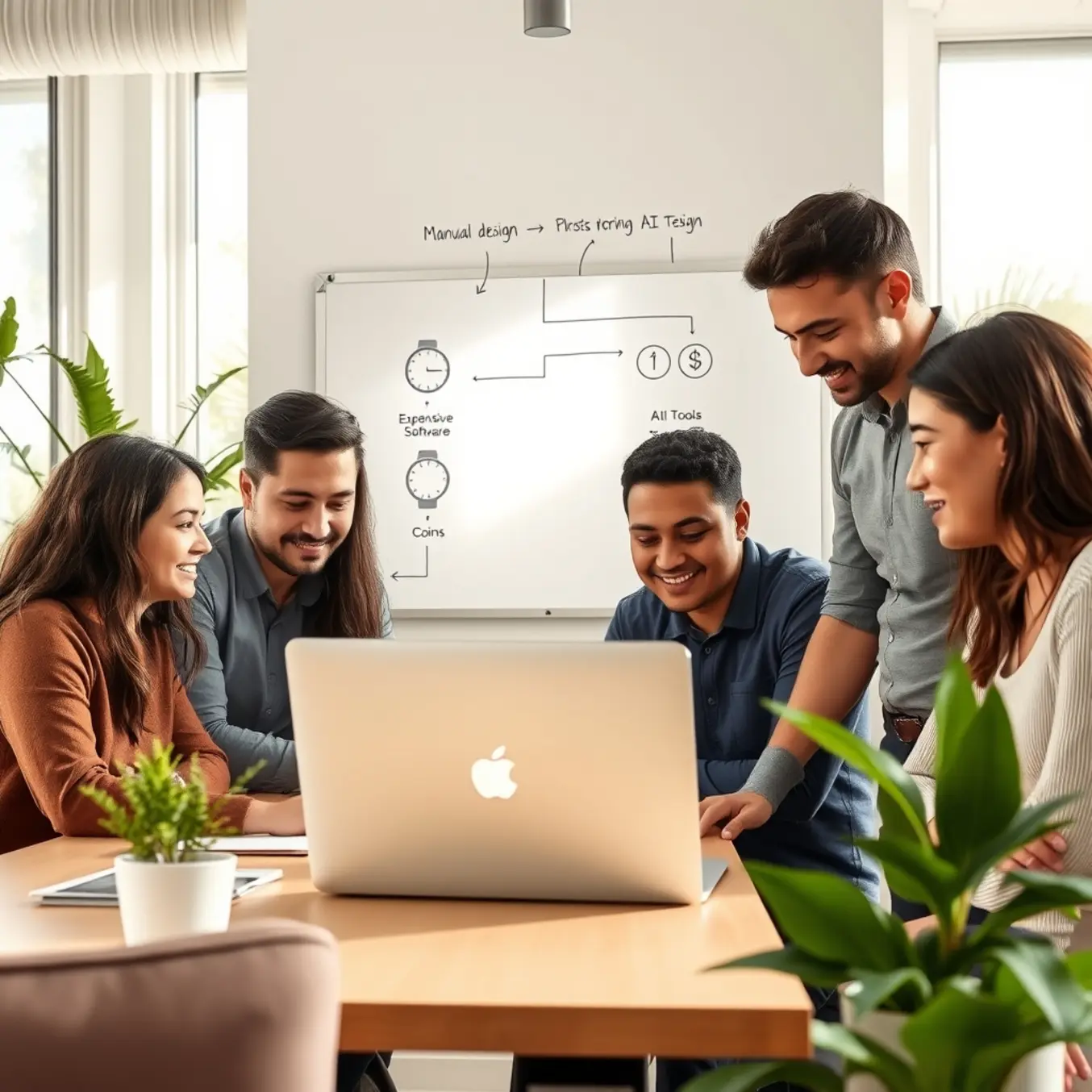
The Startup Design Dilemma: Why Traditional Methods Drain Your Budget
For startups operating on lean budgets, the traditional path to professional design is fraught with hidden costs that can quickly deplete financial resources. Hiring a freelance designer or agency involves more than just a project fee; it initiates a cascade of indirect expenses. The process typically begins with lengthy discovery calls and briefings that consume valuable founder time. Each inevitable round of revisions adds to the final invoice, and initial project scopes often expand through “scope creep,” leading to unexpected charges. This model creates unpredictable expenses, making it nearly impossible for a startup to forecast design costs accurately [Source: Forbes].
Beyond direct fees, the traditional design cycle is inherently slow. Communication delays, waiting for initial concepts, and scheduling revisions can stretch a simple project over weeks. This timeline represents a significant opportunity cost; delays in finalizing branding or marketing materials directly postpone a launch or campaign. In a fast-paced market, this linear process stifles the agility needed to test ideas and pivot quickly [Source: Harvard Business Review].
In contrast, AI-powered design platforms offer a fundamentally different economic model. These tools provide subscription-based access to professional-grade capabilities, allowing startups to generate hundreds of logo variations or social media banners in the time it takes to schedule a single freelance meeting. This shift empowers founders to maintain creative control and make unlimited iterations at no extra cost, resulting in a predictable, scalable monthly expense [Source: Pictomuse Blog]. The advantage extends beyond cost-cutting; AI tools act as a force multiplier, enabling rapid prototyping and data-driven A/B testing of visual concepts. This aligns perfectly with the lean startup methodology, allowing saved resources to be reallocated to product development or sales, turning design from a cost center into a strategic advantage [Source: Pictomuse – Top AI Art Styles].
AI Design Tool Landscape: From Canva to Midjourney
Selecting the right AI design tool is a critical decision that can accelerate or hinder a startup’s growth. The landscape offers a range of platforms tailored to different needs, from user-friendly graphic design to advanced image generation.
For startups needing to create social media graphics, logos, and marketing materials quickly, platforms like Canva are indispensable. Its freemium model offers a vast template library and a drag-and-drop interface, with AI features like Magic Design automating tasks for non-designers. Adobe Express provides a powerful alternative with a robust free tier and deep integration with the Creative Cloud ecosystem, offering greater branding control [Source: Canva AI Features].
When unique, high-quality imagery from a text description is required, specialized AI image generators excel. Midjourney is renowned for its artistic, detailed, and often photorealistic outputs, ideal for concept art. OpenAI’s DALL-E 3, integrated into ChatGPT Plus, excels at accurately interpreting complex prompts and rendering text within images, making it perfect for conceptual mockups [Source: OpenAI DALL-E 3]. For creative inspiration, exploring guides on the top AI art styles to explore can unlock new visual possibilities.
Startups focused on video or seeking a unified creative workflow should consider comprehensive suites. Runway ML is a powerhouse for AI video generation and editing, while platforms like Pictomuse emerge as holistic solutions combining image generation with brand management tools for visual consistency. The optimal choice depends on your primary use case, team skill level, and budget. A hybrid approach—using Canva for daily graphics, DALL-E 3 for custom imagery, and Runway for video—is often most effective, allowing startups to start with free trials and scale their tool stack strategically.
Automation Magic: How AI Cuts Design Time by 70%
AI-powered design automation is eliminating traditional bottlenecks, enabling startups to produce professional visuals in a fraction of the time. Real-world applications demonstrate how companies are slashing design timelines by up to 70%.
Logo creation, once a weeks-long process, can now be accomplished in minutes. AI logo generators allow a startup to input its name, industry, and style keywords to receive dozens of unique concepts with color palettes and fonts in under an hour. This eliminates lengthy revision cycles and enables rapid audience testing of different brand marks [Source: Forbes].
Maintaining a consistent social media presence is crucial but time-intensive. AI tools automate this entire workflow. An e-commerce brand can feed product photos and brand guidelines into an AI platform to batch-create a month’s worth of platform-specific graphics—carousel posts, stories, and ads—ensuring consistency while freeing the marketing team to focus on strategy [Source: Social Media Examiner].
The demand for marketing collateral is constant. AI design platforms empower small teams to become self-sufficient. A startup preparing for a trade show can use AI to generate a cohesive suite of booth graphics, one-pagers, and slides by describing the theme and uploading assets. The AI handles layout and resizing, turning a days-long project into one completed in an afternoon [Source: Business.com]. This efficiency is transformative; AI augments human creativity by removing repetitive tasks, unlocking resources for core business activities and innovation. For a deeper look at creative automation, explore our guide on the top AI art styles to explore in 2025.
The ROI Calculator: Quantifying Your AI Design Savings
Adopting AI design tools requires a clear financial justification. This framework helps startups calculate the Return on Investment (ROI) by quantifying savings and building a data-backed business case.
Step 1: Calculate Current Design Costs. Establish a baseline by tallying all monthly or annual design expenses: salaries and overhead for design staff, software subscriptions (e.g., Adobe Creative Cloud), freelance and agency fees, and the opportunity cost of time founders spend on design tasks instead of core activities.
Step 2: Identify AI-Driven Efficiencies. Quantify how an AI tool reduces these costs. Key metrics include time savings (e.g., reducing asset creation from 2 hours to 15 minutes), reduced freelance reliance, and faster speed-to-market for revenue-generating campaigns. Research from Accenture indicates generative AI can improve productivity in creative tasks by up to 40%.
Step 3: Factor in the AI Tool Investment. Input the cost of the AI solution, typically a monthly or annual subscription fee, plus any onboarding or training time required.
Step 4: Run the ROI Calculation. Use the formula: ROI = (Net Gain from Investment / Cost of Investment) x 100.
Example: A startup with a $99,600 annual design baseline achieves 30% labor efficiency savings ($29,880). With a new labor cost of $69,720 plus a $1,200 AI subscription, the total new cost is $70,920. The Net Gain is $28,680, yielding an ROI of 2,290%.
Step 5: Justify with Strategic Benefits. Beyond direct savings, highlight scalability, brand consistency, empowerment of non-designers, and the ability to rapidly experiment with new visual concepts as detailed in our guide on top AI art styles to explore. This calculator moves the decision from intuition to data, proving AI design tools are a high-return investment in efficiency and growth.
Implementation Roadmap: Getting Started in 30 Days
Successfully integrating AI into your design workflow requires a structured approach. This 30-day roadmap provides a clear, actionable path from assessment to scaled implementation.
Week 1: Foundation & Assessment. Begin by auditing your current workflow to identify repetitive, time-consuming tasks like resizing images or creating mockups. Assemble a cross-functional pilot team from design, marketing, and product. Their first task is to research and select one or two core AI tools. For foundational image generation, consider platforms like Midjourney or DALL-E 3. For integrated design assistance, evaluate Figma’s AI features or Adobe Firefly. Crucially, document specific goals, such as “reduce mockup creation time by 30%.”
Week 2: Tool Integration & Initial Training. Formalize the integration of your chosen tools into your software stack, ensuring team access. Move to practical, focused training through short workshops on specific use cases—like using text-to-image AI for brand illustrations or automating background removal. The pilot team should complete one real, low-stakes project using AI assistance this week, such as designing a newsletter banner, to build confidence and identify initial challenges.
Week 3: Pilot Project & Process Refinement. Execute a defined pilot project from start to finish, such as launching a new landing page. Mandate that AI tools be used for at least 50% of the initial ideation and asset generation. Document everything: effective prompts, time saved, and points requiring human intervention. Use these insights to draft a basic internal “playbook” with best practices and quality assurance checkpoints.
Week 4: Analysis, Scaling & Future Planning. Conduct a retrospective analysis of the pilot against Week 1 goals. Measure time savings and assess quality. Gather team feedback on workflow friction. With data-backed insights, make a decision on scaling and begin rolling out the tools and playbook to broader teams. Finally, plan future advanced applications, such as dynamic content personalization or experimenting with emerging AI art styles. Schedule a quarterly review to evaluate new tools and refine your strategy, ensuring continuous evolution and value delivery.
Sources
- Accenture – Generative AI: Unlock Your People’s Potential
- Business.com – The Best AI Marketing Tools to Grow Your Business
- Canva – AI Design Features
- Forbes – The Hidden Costs Of Hiring A Freelancer
- Forbes – The Future Of Branding: How AI Is Transforming Logo Design
- Harvard Business Review – How to Speed Up Your Design Process Without Sacrificing Creativity
- OpenAI – DALL·E 3
- Pictomuse Blog
- Pictomuse – Top AI Art Styles to Explore in 2025
- Social Media Examiner – How to Use AI Tools for Social Media Content Creation