How To Use AI To Design Posters A Complete Guide
AI Poster Generators: The Complete Guide to Creating Stunning Visuals in Minutes
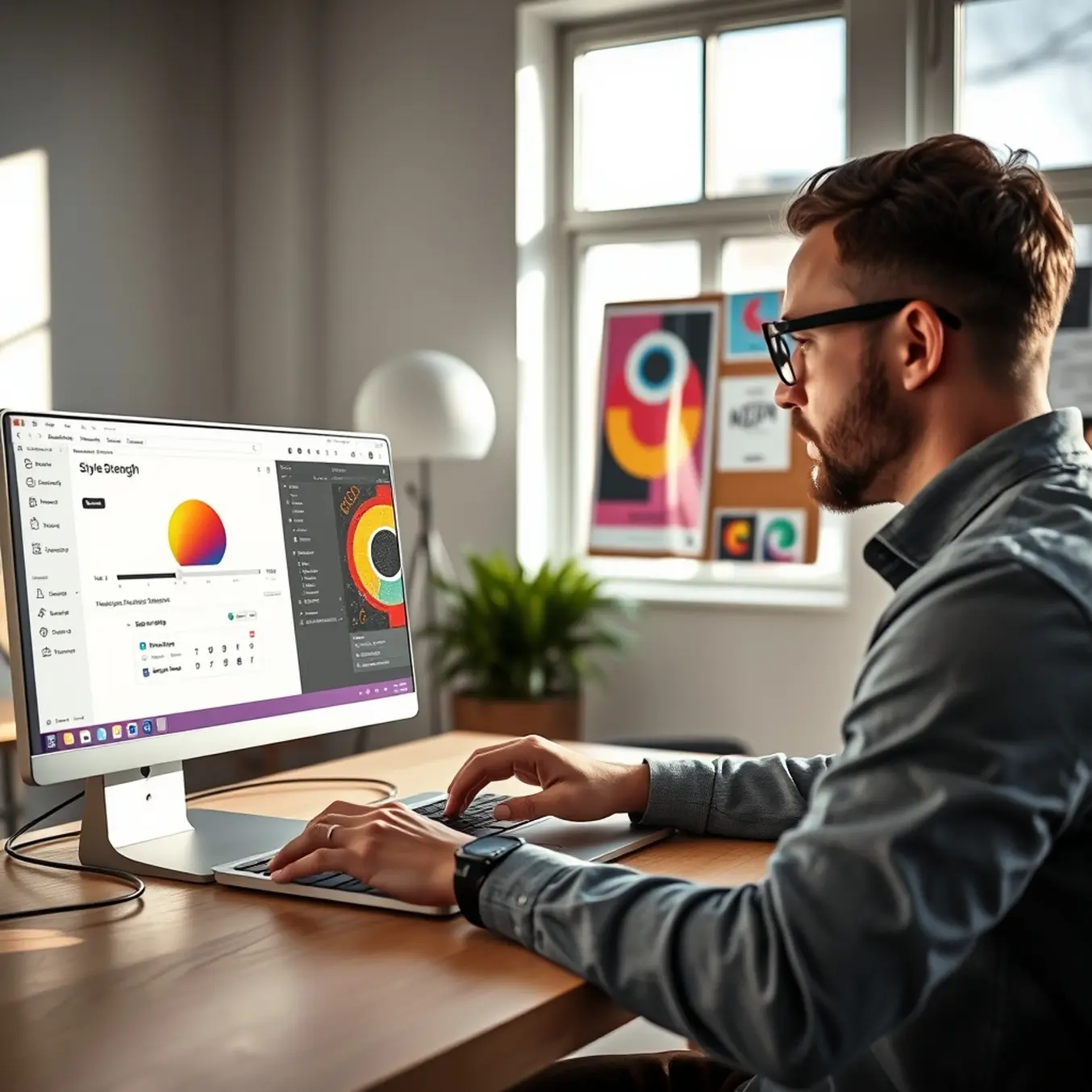
AI is fundamentally reshaping the world of poster design, turning a process that once required hours of specialized skill into a task that can be completed in minutes. This transformation is powered by generative AI tools that interpret text prompts to produce stunning, professional-grade visuals. For instance, platforms like Canva now integrate AI features that allow users to generate images and refine layouts with simple commands, dramatically lowering the technical barrier to entry [Source: Canva Learn]. This shift means that entrepreneurs, educators, event organizers, and creatives can now produce high-impact posters without needing to master complex software or hire a designer.
From Concept to Creation in Minutes
The traditional poster design workflow involved brainstorming, sourcing imagery, and meticulous layout adjustments. Today, AI compresses this timeline. A user can input a descriptive prompt—such as “a vibrant concert poster with neon lights and a silhouette of a guitarist”—and receive multiple visual options almost instantly. Tools like Midjourney and DALL-E 3 are particularly adept at generating high-fidelity, stylized images that serve as perfect focal points [Source: Adobe Creative Cloud]. This capability not only saves time but also sparks creativity, allowing for rapid iteration and exploration of concepts that might have been too time-consuming to sketch manually.
Democratizing Professional Design
Perhaps the most significant impact of AI in this space is democratization. Professional design is no longer gated by expensive software subscriptions or years of training. AI poster generators provide templates, suggest color palettes, recommend font pairings, and ensure balanced compositions automatically. This empowers small businesses to create marketing materials that rival those of large corporations and enables individuals to bring personal project visions to life with polish and confidence. As these tools become more intuitive, they effectively act as a collaborative design partner, handling technical execution while the human provides creative direction.
Top AI Poster Generators Compared
Canva AI: The All-in-One Design Powerhouse
Canva AI is the go-to choice for users who prioritize speed, simplicity, and a vast library of templates. Its strength lies in seamlessly integrating AI image generation into a familiar, drag-and-drop design workflow. You can start with a text prompt and then instantly customize the result with fonts, graphics, and layouts from Canva’s extensive library. This makes it exceptionally powerful for creating social media graphics, marketing posters, and presentations where brand consistency is key. While its AI image quality may not match the photorealism of some competitors, its ease of use and all-in-one design suite are unmatched for quick, professional-looking results.
Adobe Firefly: Precision for Creative Professionals
Integrated directly into the Adobe Creative Cloud suite, Adobe Firefly is built for designers and professionals who demand control and integration. Its standout feature is the ability to generate images that are commercially safe, as Adobe trains its models on licensed and public domain content. Firefly excels at tasks like Generative Fill in Photoshop, allowing for non-destructive editing and object removal. For poster design, this means you can start with a stock photo or an initial sketch and use AI to expand backgrounds, add elements, or alter styles with remarkable precision, all within your existing Adobe workflow.
Midjourney: The Champion of Artistic Flair
Widely regarded as the leader in artistic and stylistic image quality, Midjourney produces stunning, detailed, and often painterly visuals. It operates through Discord, which has a learning curve but offers a vibrant community for inspiration. Midjourney shines in creating concept art, fantasy posters, and any project where a strong, cohesive artistic style is the priority. Its advanced prompting system allows for fine-tuned control over composition, lighting, and mood. However, it lacks built-in editing tools, so generated images must be exported to another program for text and layout, making it best for the image creation phase of a poster.
DALL-E 3: The Master of Prompt Understanding
OpenAI’s DALL-E 3 is renowned for its exceptional ability to understand and execute complex, nuanced text prompts. It faithfully renders detailed scenes with correct text placement and coherent object relationships, an area where other generators sometimes struggle. This makes it a superb choice for posters that require specific narrative scenes or incorporate legible text elements within the image itself. Accessible through ChatGPT Plus or Microsoft’s Copilot, it balances high-quality output with relative ease of use. While it offers some in-app editing, it is primarily a powerful image generator rather than a full design platform.
Stable Diffusion: The Open-Source Power User’s Tool
Stable Diffusion is the open-source engine that powers many other AI image tools. Its greatest strength is unparalleled customization through local installation, custom models, and extensive parameter control. For technical users, it offers the ultimate flexibility to generate exactly what they envision. However, this comes with significant complexity, requiring more technical knowledge to install and operate effectively. User-friendly interfaces make it more accessible, but it remains a tool favored by enthusiasts and developers who need fine-grained control over the generation process, including the use of specific AI art styles.
Choosing Your Ideal AI Poster Generator
Your best tool depends entirely on your primary need:
- For Speed & Integrated Design: Choose Canva AI.
- For Professional Workflow & Editing: Choose Adobe Firefly.
- For Maximum Artistic Quality: Choose Midjourney.
- For Faithful Prompt Execution: Choose DALL-E 3.
- For Maximum Control & Customization: Choose Stable Diffusion.
Many creators use a combination; for instance, generating a base image in Midjourney and then importing it into Canva or Photoshop for final layout and text. Experimenting with several tools is the best way to discover which aligns with your creative process and project goals.
Step-by-Step Guide to Creating Your First AI Poster
Step 1: Choose Your AI Poster Generator
Begin by selecting a user-friendly AI poster generator. For beginners, a platform like Canva’s AI-powered Magic Design tool is excellent. Navigate to the website, create a free account, and click “Create a design” to search for poster templates or start from a blank canvas. This initial step sets the foundation for your project, ensuring you have the right digital workspace.
Step 2: Define Your Poster’s Purpose and Audience
Before generating any visuals, clearly define your poster’s goal and target audience. This will influence your design choices, from color schemes to imagery. Inputting these details into the AI’s prompt field helps the tool generate more relevant and tailored design suggestions.
Step 3: Craft a Detailed AI Prompt
The key to great results is a specific, descriptive prompt. Instead of “concert poster,” try: “Create a vibrant, retro-style poster for an indie rock concert in the city, featuring neon lights and a bold, grunge font.” Include keywords about mood, color palette, and key elements. The more detail you provide, the closer the AI’s output will be to your vision. Many generators, like Canva Magic Design, allow you to refine results with follow-up prompts.
Step 4: Select and Customize Your AI-Generated Layout
The AI will present several layout options. Select the best one and enter the customization phase. Use the editor’s drag-and-drop tools to adjust every element—change the background, swap images, and modify text boxes. This is the time to ensure branding consistency by adding your logo and using official fonts and colors.
Step 5: Refine Text and Typography
Edit placeholder text to include all essential details: headline, date, time, location, and a call to action. Adjust font sizes, weights, and spacing to create a clear visual hierarchy. Ensure there is enough contrast between the text and background for legibility from a distance.
Step 6: Incorporate High-Quality Visuals
While the AI provides initial graphics, you may want to enhance them. Use the platform’s media library to search for high-resolution photos or icons. For unique, artistic imagery, consider generating new graphics with a dedicated AI art tool, exploring different AI art styles to find the perfect aesthetic.
Step 7: Apply Final Design Polish
Review your poster as a whole. Check alignment, composition balance, and color consistency. Apply final polish by adjusting contrast, adding subtle shadows to make text pop, and removing visual clutter. Many AI design platforms offer one-click “enhance” features for a professional finish.
Step 8: Download and Share Your Poster
Once satisfied, export your poster. For online use, choose JPG or PNG. For professional printing, select a PDF with bleed marks. Then, share your creation on social media, via email, or print it for physical display.
Mastering the Art of the AI Prompt
Crafting Effective Prompts for High-Quality AI Posters
To get the best results, you need to communicate your vision clearly. Think of your prompt as a creative brief; the more specific, the better. Start by defining the core subject and style. For instance, instead of “a concert poster,” try “a psychedelic rock concert poster for a fictional band called ‘Neon Echo,’ featuring a glowing guitar morphing into a kaleidoscopic vortex, 1970s aesthetic.”
Incorporate descriptive keywords related to composition, lighting, and mood—like “cinematic lighting,” “dramatic shadows,” or “vibrant color palette.” You can also reference specific art movements. For more inspiration on artistic directions, explore our guide on the top AI art styles to explore.
Advanced Prompt Engineering Techniques
For unique results, use advanced methods. Some platforms allow you to upload a reference image to influence the new generation. Another strategy is iterative refinement: generate an initial image, then use it as a base for a new, more refined prompt. This approach mimics a collaborative revision process. According to experts, successful prompting often involves blending modifiers like “hyper-detailed” or “4K resolution” with clear emotional language [Source: Adobe Creative Cloud].
Structuring Your Prompt for Clarity
A well-structured prompt helps the AI parse your request accurately. Use this effective formula: [Subject] + [Style/Art Movement] + [Details: Color, Lighting, Composition] + [Technical Quality].
Finally, always specify the format and key text. Explicitly state “vertical poster layout” and use quotation marks for any exact copy that must appear. This ensures the final design is both visually stunning and functionally complete.
Essential Post-Processing for Professional Results
1. Upscaling and Resolution Enhancement
AI-generated images often start at a lower resolution. Using a dedicated AI upscaler like Topaz Gigapixel AI or Adobe Photoshop’s Super Resolution is crucial to increase detail for print, ensuring your poster remains sharp even at larger sizes. Always upscale to at least 300 DPI for professional print results.
2. Refining Details and Correcting Artifacts
Manually inspect and correct common AI glitches like distorted text or unnatural blending. Use software like Adobe Photoshop to clean up edges, fix repetitive patterns with the healing brush, and redraw text manually, as AI-generated text is often unreliable for final designs.
3. Color Correction and Consistency
Calibrate your colors to ensure your poster looks as intended. Convert your color profile to CMYK for physical printing and sRGB for digital displays. Use adjustment layers to fine-tune brightness, contrast, and saturation for a balanced, professional look.
4. Final Composition and Layout Adjustments
Perfect the layout before final export. Re-crop or extend the canvas to achieve ideal dimensions. Add final graphic elements like logos or borders, and ensure critical elements follow compositional guidelines for maximum impact. For more on compelling visuals, explore our guide on top AI art styles to explore.
5. Exporting in the Correct Format
Export your polished poster in the right file format. For print, use a high-resolution PDF/X-1a or TIFF. For digital use, export as a PNG or high-quality JPEG. This hands-on refinement is what separates amateur results from professional-grade artwork [Source: Adobe Creative Cloud].
Real-World Applications and Case Studies
AI poster generators are driving real results across diverse sectors by automating design and enabling rapid iteration.
Boosting Small Business Marketing on a Budget
For small businesses, budget constraints often limit marketing. AI tools provide a powerful solution. A local bakery used an AI tool to create weekly promotional posters, generating eye-catching visuals in minutes. This consistent, professional branding helped increase weekend foot traffic by an estimated 30% over three months, according to a small business marketing report [Source: Visual Capitalist].
Streamlining Event Promotion for Educational Institutions
Universities are leveraging AI to promote events efficiently. A student union used an AI poster generator for a semester-long event series, standardizing branding while creating unique posters for each event. This approach cut marketing production time by over 70%. A case study on educational technology highlights how such tools free up staff time for more strategic tasks [Source: EDUCAUSE Review].
Driving Agile Campaigns for Digital Marketers
Marketing agencies use AI for agile campaign development. One agency used AI to produce multiple poster variants for A/B testing, generating dozens of visual concepts for a product launch in one afternoon. Data suggests teams using AI-assisted design can reduce the concept-to-publish timeline by up to 50% [Source: Marketing AI Institute].
The Future of AI Poster Design: Trends to Watch
The landscape is evolving rapidly. Key trends include the rise of multimodal AI models for more nuanced prompt interpretation [Source: IBM Think] and AI-powered video-to-poster tools that extract keyframes from footage. Expect a greater emphasis on customization and brand consistency, with future platforms offering “AI brand kits” to generate on-brand visuals automatically [Source: TechCrunch].
To future-proof your skills, deepen your prompt engineering, embrace hybrid workflows combining AI with traditional software, and curate successful prompts and styles. The future of poster design is about designers who harness AI replacing those who don’t.
Sources
- Adobe Creative Cloud – AI Art Generator
- Adobe Creative Cloud – AI Poster Generator
- Adobe Creative Cloud – AI Prompt Generator
- Canva – Magic Design Feature
- Canva Learn – AI Poster Design
- EDUCAUSE Review – Generative AI in Education Administration
- IBM Think – Multimodal AI
- Marketing AI Institute – Generative AI Marketing Productivity
- Pictomuse – Top AI Art Styles to Explore in 2025
- TechCrunch – Generative AI is Coming for Marketing Departments
<