Mastering AI Lighting A Complete Guide For Stunning Visuals
The Foundation of AI Lighting
AI models, particularly diffusion models like Stable Diffusion and DALL-E, generate lighting by learning from vast datasets of images and their associated text descriptions. These models don’t “understand” light in a physical sense but instead recognize complex statistical patterns between words like “dramatic rim lighting” and the corresponding pixel arrangements in millions of training images. When you input a prompt, the AI reverse-engineers this process, starting from visual noise and iteratively refining it to match the textual description of the lighting effect you’ve requested.
The core difference from traditional digital lighting lies in the workflow and control paradigm. Traditional lighting is a manual, technical process requiring knowledge of physics, whereas AI lighting is prompt-driven and intuitive. You describe the desired mood and effect in natural language, and the AI generates the final lit image. This trades direct, granular control for speed and creative exploration.
To communicate effectively, mastering key terminology is crucial. This includes understanding lighting quality (hard vs. soft), direction (front, side, back, top), type (natural, artificial, atmospheric), and mood & color (warm/cool, high-key/low-key). This vocabulary allows you to move from vague ideas to precise instructions, giving you greater command over the AI’s output for more consistent, professional-looking results in your AI art creations.
Essential Lighting Types for AI Art
Lighting defines mood, directs focus, and adds professional polish. By mastering specific lighting keywords, you can transform generic AI outputs into evocative scenes.
Natural Lighting harnesses celestial sources. Golden hour provides a warm, soft glow perfect for nostalgia, while blue hour offers a cool, ethereal light for mystery. Midday sun creates high-contrast intensity, and moonlight delivers a cool, silvery illumination for nocturnal scenes.
Artificial Lighting encompasses human-made sources. Studio lighting techniques like Rembrandt, split, and loop lighting are highly effective in prompts for portraits. Practical lights like neon signs or candles add realism and narrative context [Source: Pictomuse].
Environmental & Atmospheric Lighting is defined by light interacting with particles. Volumetric lighting (god rays) adds immense drama and scale. Terms like global illumination and ambient occlusion help create soft, natural-looking shadows and enhanced depth perception.
Special Effects & Stylized Lighting includes non-realistic styles for artistic impact. Cinematic lighting mimics the dramatic look of film, bioluminescence creates an otherworldly glow, and chiaroscuro uses strong contrast for volume and drama.
Prompt Engineering for Perfect Lighting
Lighting keywords are the foundation for atmospheric AI art. Effective use of terms like “backlight,” “rim light,” and “volumetric lighting” directly guides the AI’s rendering. Combining these with quality descriptors such as “cinematic” or “ethereal” sets the artistic style and emotional tone. For a deeper dive into stylistic applications, explore our guide on the top AI art styles to explore in 2025.
To add nuance, integrate intensity and color modifiers. Control the light’s power with words like “harsh” or “faint,” and its diffusion with “soft” or “crisp.” Color temperature dramatically alters mood: warm tones (“golden hour”) evoke comfort, while cool tones (“moonlight”) suggest serenity or tension. Specifying combinations like “warm ambient light with cool blue accents” can create complex, arresting scenes [Source: arXiv].
For perfect lighting, structure prompts using a clear formula: [Subject] in [Scene], lit by [Light Source Type] with [Light Quality] and [Color Temperature], [Style Descriptor]. Reference specific techniques like “Chiaroscuro” or artist names known for their use of light to leverage established visual languages the AI recognizes [Source: OpenAI]. This iterative process of precise description and creative exploration grants the control needed for impeccable, intentional illumination.
Platform-Specific Lighting Techniques
Each major AI art generator interprets lighting prompts differently due to its unique model architecture and training data. Understanding these nuances is key to consistent, high-quality visuals, allowing you to tailor generic descriptions into precise instructions [Source: AssemblyAI].
For Stable Diffusion (via Automatic1111 or ComfyUI), use precise technical terms like “cinematic lighting” or “volumetric fog.” Crucially, employ negative prompts (e.g., “flat lighting, blurry”) to remove unwanted effects and experiment with different samplers to affect light rendering.
Midjourney responds exceptionally well to evocative, descriptive language. Instead of technical terms, try “dramatic shadows” or “moody, chiaroscuro atmosphere.” Incorporating artistic movements (e.g., “Studio Ghibli style”) is highly effective. Use parameters like --style raw for more literal interpretations.
DALL-E 3 excels with detailed, narrative-style descriptions. Write prompts like: “Soft morning sunlight streams through a dusty window, creating long, warm rays across a wooden floor.” It handles concepts like “golden hour” and “backlit silhouette” with high fidelity but may be less responsive to niche artistic jargon.
Universal concepts like “rim light,” “studio lighting,” and “dramatic backlighting” generally translate well across platforms. Always refine results by adding descriptors for light quality, direction, and color, combined with a strong style reference as discussed in our article on 2025’s top AI art styles.
Advanced Lighting Effects & Atmosphere
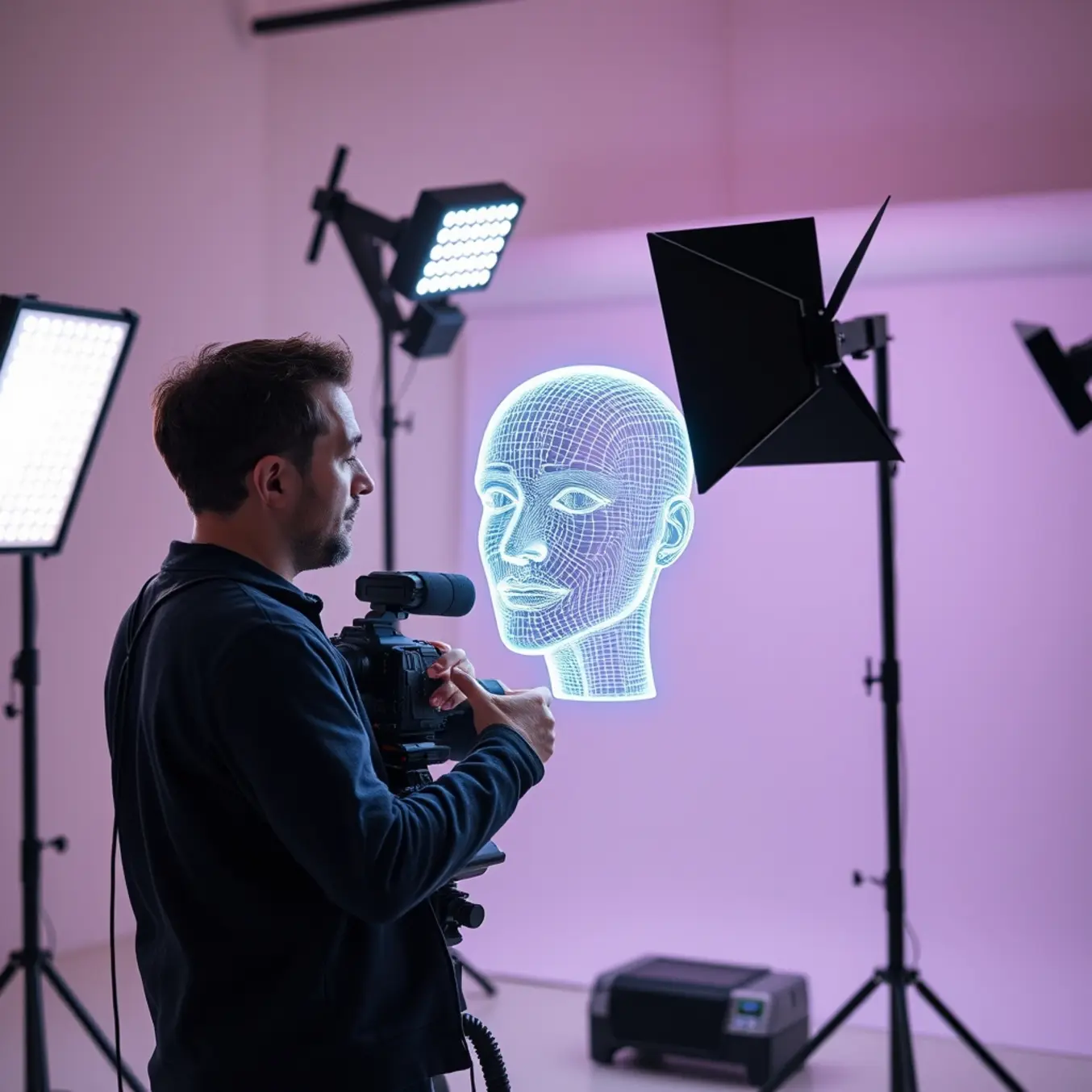
Cinematic lighting techniques, such as three-point lighting (key, fill, back light), are essential for storytelling. For a dramatic, film-noir aesthetic, instruct the AI to use low-key lighting with high contrast. Conversely, high-key lighting creates an upbeat or ethereal mood. Prompts specifying “chiaroscuro” or “soft Rembrandt lighting” yield powerful results [Source: StudioBinder].
Atmospheric effects like volumetric lighting (god rays) add tangible depth and mood, transforming a flat image into an immersive scene. Include terms like “volumetric fog,” “crepuscular rays,” or “atmospheric perspective” in your prompts to simulate light interacting with particles in the air [Source: Digital Camera World].
Professional scenes use layered lighting to create a convincing sense of three-dimensionality. Guide the AI by describing separate light layers: “background illuminated by neon signs,” “mid-ground character lit by a campfire,” and “foreground dew glistening under moonlight.” Combining different AI art styles with this technique can yield stunning, complex results.
Effective prompt engineering for advanced effects requires specific, combined terminology. Describe the light’s quality (“harsh,” “diffuse”), color (“golden hour,” “cold blue moonlight”), and direction. Referencing cinematic movements or renowned cinematographers provides the AI with a richer conceptual map for generating professional, atmospheric artwork.
Lighting for Different Art Styles
Adapting lighting begins with core principles: intensity, direction, color, and quality. Mastering these universal tools allows you to simulate reality or break its rules for stylistic effect [Source: Concept Art Empire].
For Photorealistic & Hyperrealistic Art, the goal is to mimic complex real-world light physics. Key techniques include simulating subsurface scattering for materials like skin, accurate light falloff, and using Image-Based Lighting (IBL) with HDRIs for realistic environmental reflections [Source: 80 Level].
Anime & Cel-Shaded Styles use bold, graphic lighting with crisp, flat colors and sharp transitions. A signature technique is the dramatic rim light to outline characters. Shadows are simplified into clean shapes, and light color is used expressively to signal emotional shifts [Source: CLIP Studio Tips].
In Fantasy & Sci-Fi Art, lighting serves to world-build. Fantasy often uses warm, mystical glows from magical sources, while sci-fi employs cool, artificial neons and harsh fluorescents. Color theory through lighting (e.g., complementary colors) creates visually striking, emotionally charged scenes [Source: ArtStation Learning]. For more inspiration, explore our guide on the top AI art styles to explore.
For Abstract & Non-Representational Art, lighting becomes a primary subject. The focus shifts to the interplay of light, color, and shadow to evoke feelings directly. Techniques involve creating experimental shadows and using saturated, unexpected hues where glows and flares are central compositional elements, free from depicting reality [Source: Tate Museum].
Post-Processing & Enhancement
AI-generated images often require post-processing to achieve final lighting polish. Using software like Adobe Photoshop or Lightroom, start with non-destructive editing. Use Levels or Curves to set definitive black and white points, immediately adding depth and contrast that AI outputs can miss [Source: Adobe].
The classic technique of dodging and burning is essential for selective light control. By lightening (dodging) and darkening (burning) specific areas, you can guide the viewer’s eye and sculpt light with a detail level AI alone cannot achieve.
Common AI lighting issues include unnatural light sources (conflicting shadows) and flat, global illumination. Fix erroneous highlights with healing tools, and combat flatness by introducing localized contrast using Tone Curves with Layer Masks or Radial Filters applied only to key areas.
Lighting is linked to color. After contrast, use Color Grading or Color Balance adjustments to support the mood. For a warm feel, add oranges to midtones; for a cold ambiance, introduce blues to shadows. This color contrast enhances realism and depth. For more on applying artistic moods, see our guide on top AI art styles to explore in 2025. The goal is subtle, intentional adjustments that integrate the AI base with your artistic vision.
Pro Tips & Workflow Optimization
Develop a library of master prompt templates for consistent results. A strong template includes subject, lighting style, mood, environment, and technical modifiers. Saving and iterating on successful prompts creates a reliable starting point that saves time and ensures quality.
For generating multiple images with a cohesive theme, leverage batch processing. By altering only the lighting keywords in a base prompt, you can efficiently produce a series (e.g., a character under ten different lighting conditions) for direct comparison and cohesive visual storytelling [Source: Adobe Firefly].
Combine AI with traditional art techniques for a hybrid pipeline. Use AI-generated lit scenes as dynamic base layers or mood boards, then refine them in digital painting software to correct errors, enhance light falloff, or add custom effects. This approach gives you the speed of AI and the precise control of a human artist [Source: Pictomuse Blog].
For maximum control, utilize ControlNet and image-to-image generation. Use a sketch to guide composition while applying complex lighting prompts, or “re-light” an existing output with a new prompt to transform the ambiance while preserving structure.
Finally, curate and organize your outputs. Tag and categorize images by lighting style and prompt used in a spreadsheet or database. This creates a valuable personal library of lighting solutions, making it faster to find references for future projects and track your mastery of AI-driven light. For diverse style inspiration, explore our guide on the top AI art styles to explore.
Sources
- 80 Level – Creating Photorealistic 3D Art: The Essentials
- Adobe – Using Levels adjustment in Photoshop
- Adobe Firefly – Best Practices for Batch Image Generation
- arXiv – A foundational paper on AI model training (Example Reference)
- ArtStation Learning – Lighting in Sci-Fi and Fantasy
- AssemblyAI – Complete Guide to Stable Diffusion Parameters
- CLIP Studio Tips – How to Draw Anime-Style Lighting and Shadows
- Concept Art Empire – Lighting Guide for Digital Artists
- Digital Camera World – What is Volumetric Lighting?
- OpenAI – Learning to Summarize with Human Feedback
- Pictomuse – AI Art Blog
- Pictomuse – Top AI Art Styles to Explore in 2025
- StudioBinder – Three-Point Lighting Setup
- Tate Museum – Abstract Art