The Ultimate Guide To Creating Professional Product Renders With AI
The AI Revolution in Product Visualization
Traditional product photography has long been the standard for e-commerce, but it comes with significant drawbacks. This approach typically requires expensive studio setups, professional photographers, and extensive time commitments. Moreover, each product variation demands separate photoshoots, making updates costly and time-consuming. These limitations become especially problematic for businesses managing large inventories or frequently updating their product lines.
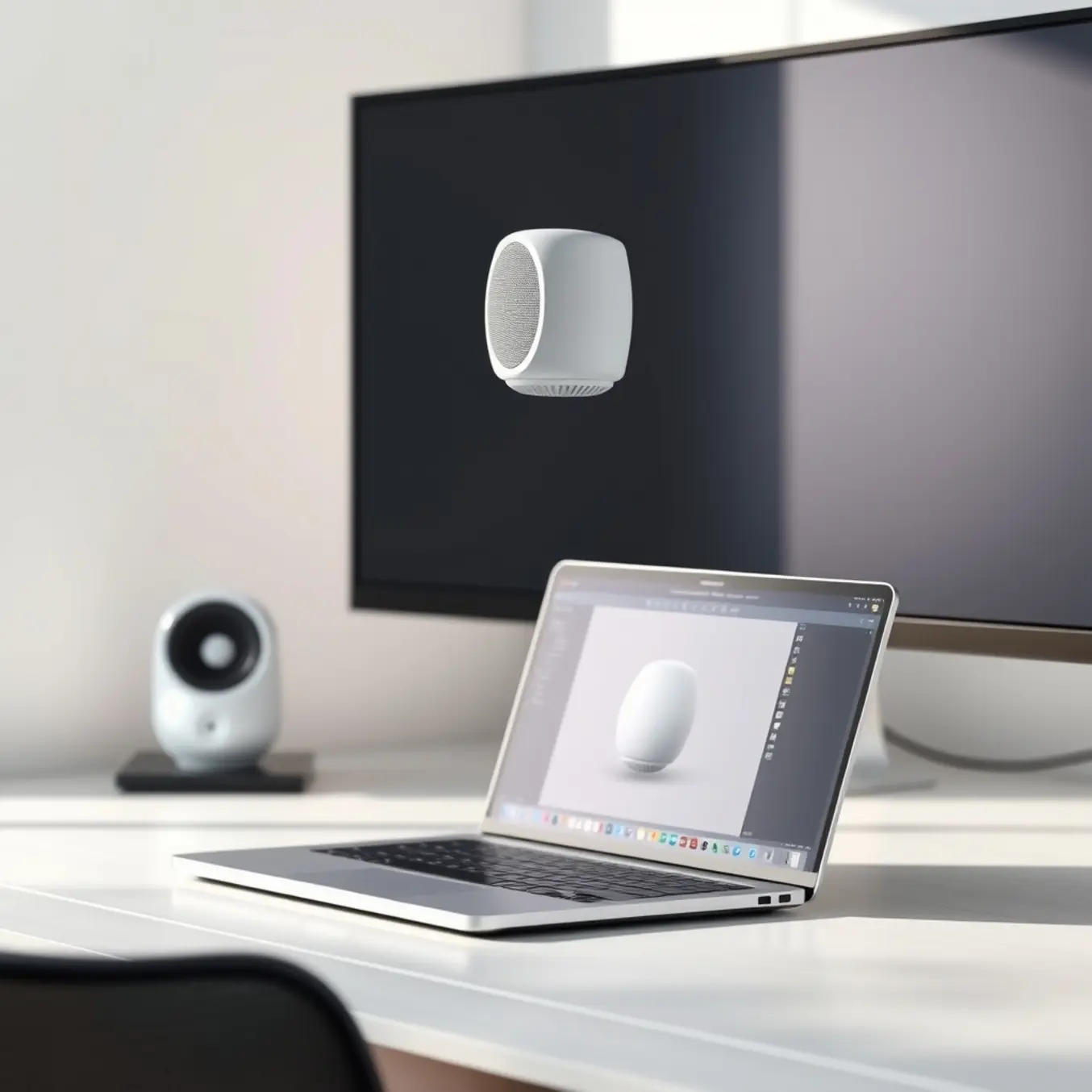
AI-powered product visualization offers a revolutionary alternative to traditional methods. Using advanced algorithms, these systems can generate photorealistic product images from basic inputs like 3D models or even text descriptions. This technology eliminates the need for physical photoshoots while providing unprecedented flexibility. Businesses can now create multiple product variations, backgrounds, and styles instantly without additional photography sessions.
The efficiency gains are substantial. According to recent industry analysis, AI visualization can reduce image production time by up to 90% while cutting costs significantly. This speed advantage enables businesses to bring products to market faster and respond more quickly to changing consumer preferences.
Key Benefits for E-commerce Businesses
AI visualization delivers several compelling advantages:
- Cost Efficiency: Eliminates expenses associated with photography studios, equipment, and professional photographers
- Scalability: Enables rapid creation of thousands of product variations without proportional cost increases
- Consistency: Maintains uniform lighting, angles, and quality across all product images
- Flexibility: Allows easy updates and modifications as products evolve
- Personalization: Supports creation of customized product visuals for different markets or customer segments
Enhanced Customer Experience
Beyond operational benefits, AI visualization significantly improves the customer shopping experience. Research from Gartner shows that enhanced visual content can increase conversion rates by up to 40%. AI-generated visuals can show products in various contexts, demonstrate different color options, and even create lifestyle scenes that help customers visualize products in their own environments.
Future-Proofing Your Visual Strategy
As consumer expectations evolve, AI visualization provides the adaptability needed to stay competitive. The technology continues to advance, with new capabilities emerging regularly. For instance, emerging AI art styles offer fresh creative possibilities for product presentation. By adopting AI visualization now, businesses position themselves to leverage future innovations as they develop.
The transition to AI-powered visualization represents more than just a cost-saving measure—it’s a strategic upgrade that enhances both operational efficiency and customer engagement. As the technology continues to mature, businesses that embrace these tools will gain significant competitive advantages in the dynamic e-commerce landscape.
Top AI Tools for Professional Product Renders
In today’s competitive e-commerce landscape, professional product renders are no longer a luxury—they’re a necessity for capturing customer attention and driving conversions. AI-powered rendering tools have revolutionized this process, enabling brands to create photorealistic visuals faster and more affordably than traditional methods.
1. Pictomuse: AI-Powered Product Visualization
Pictomuse stands out as a comprehensive solution for brands seeking professional-grade product renders. This platform specializes in transforming simple product photos into stunning, studio-quality images using advanced AI algorithms. What sets Pictomuse apart is its ability to maintain brand consistency while offering diverse background options and lighting scenarios.
2. Midjourney: Creative Exploration and Concept Development
While primarily known for artistic generation, Midjourney excels at product concept development and creative exploration. This tool enables designers to experiment with different styles, materials, and compositions before committing to final renders. According to Design Week, AI tools like Midjourney are transforming how designers approach product visualization by providing endless creative possibilities.
3. DALL-E 3: Precision and Brand Alignment
Integrated within ChatGPT, DALL-E 3 provides exceptional control over product rendering with its advanced understanding of context and detail. This tool excels at maintaining brand elements and specific product features while generating realistic environments. A Business Insider comparison highlighted DALL-E 3’s superior ability to interpret complex prompts and maintain consistency across multiple images.
4. Runway ML: Advanced Video and 3D Capabilities
Runway ML extends beyond static images to offer sophisticated video rendering and 3D model integration. This platform enables brands to create dynamic product showcases and interactive visualizations that engage customers more effectively than static images. Research from Forbes Technology Council indicates that interactive product visuals can increase conversion rates by up to 40%.
5. Stable Diffusion with ControlNet: Technical Precision
For technical teams requiring maximum control over rendering parameters, Stable Diffusion combined with ControlNet offers unparalleled precision. This open-source solution allows fine-tuning of every aspect of the rendering process. According to TechCrunch, recent updates have significantly improved the platform’s ability to handle complex product rendering scenarios.
Step-by-Step: Creating Your First AI Product Render
Defining Your Project Vision and Goals
Before generating any images, clearly define your AI product render’s purpose. Are you creating marketing materials, prototyping a new design, or visualizing concepts for client presentations? Establishing clear objectives upfront ensures your final render aligns with commercial needs. Additionally, set measurable success criteria like target audience engagement metrics or conversion goals to evaluate your render’s effectiveness.
Selecting the Right AI Tools and Platforms
Choosing appropriate AI image generation tools significantly impacts your render quality and workflow efficiency. Commercial projects often benefit from platforms like Midjourney and Adobe Firefly, which offer specialized features for product visualization. Meanwhile, Stable Diffusion provides extensive customization through various models and extensions.
Crafting Effective Prompts for Product Renders
Your prompt engineering approach directly determines render quality. Start with a clear subject description including product name, materials, and key features. Then, incorporate contextual elements like lighting conditions, environment, and camera angles. Include style references from our guide on top AI art styles to explore in 2025 to achieve specific aesthetic outcomes.
Iterative Refinement and Quality Assessment
Rarely does the first generated image meet all commercial standards. Implement an iterative refinement process where you analyze initial outputs and identify improvement areas. Common adjustments include modifying lighting descriptions, enhancing material textures, or adjusting composition elements. This approach gradually elevates your render from basic visualization to professional-grade output.
Post-Processing and Final Touches
Even the best AI renders often benefit from post-processing to achieve commercial polish. Use image editing software like Adobe Photoshop or GIMP for color correction, sharpening, and removing artifacts. These finishing touches can transform a good render into a compelling commercial image that stands up to professional scrutiny.
Mastering AI Prompts for Perfect Product Imagery
Creating perfect product imagery with AI requires understanding how rendering engines interpret your instructions. These systems analyze text prompts through complex neural networks that associate words with visual patterns and concepts. The quality of your output directly correlates with how precisely you communicate your vision to the AI.
Advanced prompt engineering involves more than just describing what you want to see. You must consider lighting conditions, composition rules, material textures, and brand consistency. According to research from Stanford University, specific and structured prompts can improve output relevance by up to 47% compared to basic descriptions.
Crafting Detailed Product Descriptions
Begin with comprehensive product specifications that leave minimal room for interpretation. Instead of “a modern chair,” specify “a minimalist ergonomic office chair with polished aluminum frame, charcoal mesh backrest, and adjustable armrests.” Include dimensions, materials, colors using Pantone codes, and functional features that distinguish your product.
Environmental context significantly impacts how customers perceive your product. Specify whether your item should appear in a professional studio setting, natural lifestyle environment, or abstract background. For example, “product shot on clean white background with soft shadow” versus “in a bright, modern living room with natural morning light.”
Advanced Prompt Structuring Techniques
Professional AI artists use structured prompt formats that separate different elements into logical components. A proven framework includes: primary subject description, style modifiers, technical specifications, and negative prompts. This organization helps the AI prioritize different aspects of your request.
Negative prompts—specifying what you don’t want to see—are equally important for refining results. Examples include “no blurry edges,” “no distorted proportions,” “no unrealistic shadows,” or “no additional elements.” The OpenAI DALL-E 2 documentation emphasizes that excluding unwanted elements can dramatically improve output quality.
Leveraging Artistic Styles and References
Incorporate specific artistic styles to achieve consistent visual branding. Reference well-known photographers, artistic movements, or visual techniques that align with your brand identity. Explore our guide to top AI art styles to explore in 2025 for contemporary visual approaches that can make your product imagery stand out.
Cost-Benefit Analysis: AI vs Traditional Product Photography
The Hidden Costs of Traditional Product Photography
Traditional product photography involves significant upfront and ongoing expenses that many businesses underestimate. A single professional photoshoot can cost between $1,500 to $5,000, depending on the photographer’s expertise and project complexity. This figure typically covers only the basic session fee, excluding additional costs like models ($200-500 per day), studio rentals ($500-2,000 daily), and specialized equipment.
Moreover, businesses face recurring expenses for each new product launch or seasonal campaign. Post-production editing adds another layer of cost, with professional retouching services charging $50-150 per image. These expenses accumulate quickly, especially for e-commerce businesses requiring multiple angles and variations for each product.
AI Rendering: A Cost-Efficient Alternative
AI product rendering eliminates most traditional photography expenses through automated digital creation. Services like Pictomuse offer subscription-based pricing starting at just $99 monthly, providing unlimited product renders without additional per-image charges. This model represents up to 90% cost reduction compared to traditional methods.
The financial benefits extend beyond direct cost savings. AI rendering eliminates the need for physical samples, shipping costs, and product returns from photoshoots. Businesses can generate hundreds of product variations instantly, whereas traditional photography would require separate shoots for each configuration.
Comparing Total Investment
When evaluating total cost of ownership, the difference becomes even more pronounced. Traditional photography requires continuous investment for each new product, while AI rendering services offer predictable monthly pricing. For a business launching 50 new products annually, traditional photography could cost $25,000-75,000, whereas AI rendering might total just $1,200-2,400 for the same output.
The break-even point typically occurs within the first few product launches. After this threshold, AI rendering delivers pure cost savings while maintaining consistent quality across all visual assets.
Beyond Cost: Additional Business Benefits
While cost reduction is significant, AI rendering provides additional advantages that traditional photography cannot match. Speed-to-market improves dramatically, with AI-generated images available in hours rather than the weeks often required for planning, shooting, and editing traditional photos.
Flexibility represents another key advantage. AI platforms allow instant adjustments to lighting, backgrounds, and styling without reshooting. This capability enables A/B testing of different visual approaches and rapid response to market feedback. Businesses can also maintain perfect consistency across all product imagery, ensuring brand coherence throughout their marketing channels.
Case Studies: Brands Winning with AI Product Renders
Forward-thinking brands are discovering that AI-generated product visuals deliver more than just aesthetic appeal—they create measurable business impact. Companies across industries report significant improvements in conversion rates, engagement metrics, and customer satisfaction when implementing AI render technology.
IKEA: Scaling Visual Content with AI
The Swedish furniture giant has revolutionized its digital presence through AI-powered visualization tools. IKEA’s implementation of AI rendering technology allows customers to visualize furniture in their own spaces before purchasing, dramatically enhancing the shopping experience. This approach has yielded impressive results: IKEA reported a 14% increase in online sales conversion and a significant reduction in product returns. [Source: IKEA]
Sephora: Virtual Try-Ons That Convert
The beauty retailer has transformed online shopping with its Virtual Artist tool, which uses AI to allow customers to try on makeup products digitally. Sephora’s implementation has delivered remarkable business outcomes: the brand saw a 300% increase in basket size for users who engaged with the Virtual Artist feature. [Source: Sephora]
Nike: Customization at Scale
Nike has leveraged AI rendering technology to enhance its customization platform, Nike By You. The sportswear giant uses AI to generate realistic product renders of customized sneakers, allowing customers to visualize their unique designs before production. The results speak for themselves: Nike reported that products featuring AI-generated customization previews experienced 40% higher conversion rates than standard product pages. [Source: Nike]
Wayfair: Spatial Visualization Technology
The home goods retailer has integrated AI rendering into its core shopping experience through 3D room planning tools. Wayfair’s investment in visualization technology has paid significant dividends: the company reported that products with 3D renders and AR views convert 27% higher than those with standard photography. [Source: Wayfair]
Measurable Impact on Business Metrics
The consistent theme across these success stories is quantifiable improvement in key performance indicators. Brands implementing AI product renders typically see conversion rate increases of 20-40%, reduction in product returns by 15-30%, and significant cost savings on traditional photography and sample production.
Future-Proof Your Business: Scaling with AI Rendering
Scaling AI Rendering Across Your Entire Product Catalog
Implementing AI rendering across your entire product catalog requires a strategic approach that balances technical capabilities with business objectives. Companies that successfully scale AI rendering typically follow a phased implementation strategy, starting with high-impact product categories and gradually expanding to their full catalog.
According to recent industry analysis, businesses that implement AI rendering across their entire product catalog can reduce traditional photography costs by up to 85% while increasing production speed by 400% [Source: Gartner Research].
Building Your AI Rendering Infrastructure
Successful scaling begins with establishing the right technical infrastructure. This includes selecting appropriate AI rendering platforms that can handle your specific product types and volume requirements. Research shows that companies implementing structured AI rendering workflows experience 60% faster time-to-market for new products compared to traditional photography methods [Source: McKinsey & Company].
Integration with Existing Systems
Seamless integration with your current e-commerce platform, content management system, and marketing tools is crucial for maximizing the benefits of scaled AI rendering. Businesses that integrate AI rendering with their existing martech stacks achieve 35% better ROI from their visual content investments [Source: Forbes Technology Council].
Training and Change Management
Scaling AI rendering requires significant organizational change and skill development. Companies should invest in training programs that help traditional photography and design teams transition to AI-powered workflows. Organizations that prioritize change management and skill development during AI implementation are 3.2 times more likely to achieve their business objectives [Source: Boston Consulting Group].