How AI Turns Text Into Images Explained Simply
How Text-to-Image AI Interprets Your Words
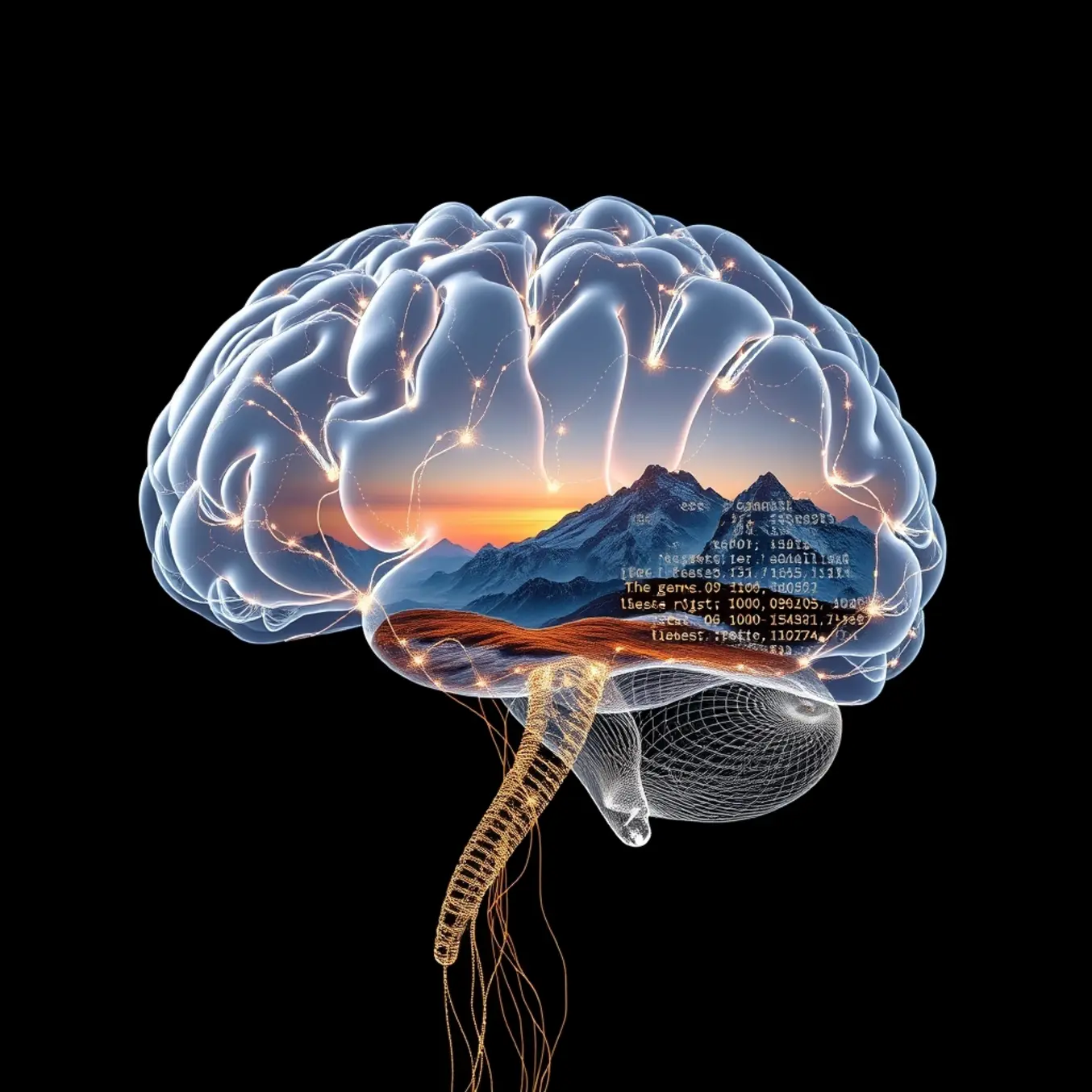
Text-to-image AI begins its creative process by breaking down your written description into a structured set of concepts. This is achieved through a process called natural language processing (NLP). The AI model analyzes your prompt, identifying key subjects, actions, adjectives, and the relationships between them. For instance, if you type “a fluffy cat sleeping on a sunny windowsill,” the system recognizes “cat” as the primary subject, “fluffy” as a texture descriptor, “sleeping” as an action, and “sunny windowsill” as the setting.
This interpretation is powered by large language models that have been trained on vast datasets of text and corresponding images. They learn to map words and phrases to visual representations. The model doesn’t “see” images during this phase but understands the semantic meaning of your request, converting it into a numerical representation—often called a text embedding or prompt encoding—that the image generator can understand [Source: OpenAI].
The Role of Diffusion Models in Image Generation
Once your prompt is encoded, the most common method for generating the image is through a diffusion model. This process starts with a field of random visual noise—essentially static. The AI then iteratively refines this noise, step by step, guided by the text embedding. At each step, the model attempts to make the image look a little more like the description it was given, gradually removing noise to reveal a coherent picture.
This is analogous to a sculptor starting with a block of marble and carefully chipping away to reveal a statue. The model’s training on millions of image-caption pairs allows it to make intelligent decisions about what visual elements should appear, their style, composition, and how they relate to one another [Source: arXiv].
From Concept to Pixel: The Final Output
The final stage involves upscaling and refining the initial low-resolution image into a high-quality result. The model adds fine details, improves textures, and ensures color consistency, resulting in a polished final image. The entire process, from your text input to the final visual, typically takes just a few seconds, showcasing the incredible speed of modern AI computation.
For example, when you prompt Midjourney with “an astronaut riding a horse in a photorealistic style,” the AI first understands the core elements: “astronaut,” “horse,” and the action “riding.” It then uses its knowledge of physics, anatomy, and photography to generate a believable scene where the astronaut is correctly positioned on the horse, with realistic lighting and shadows. The “photorealistic” directive further informs the model to avoid artistic stylization and aim for a camera-like quality.
This technology is not just for artistic creation; it has practical applications in marketing, where teams can quickly generate concept art for a “vintage-style poster for a coffee shop,” or in education, creating a diagram of “the water cycle in a cartoon style for children.” The ability to translate abstract ideas into concrete visuals on demand is revolutionizing how we create and communicate.
The Massive Datasets Powering AI Image Generation
Text-to-image models require enormous datasets to learn the complex relationships between language and visual concepts. These training collections typically contain billions of image-text pairs sourced from the internet, allowing AI systems to recognize patterns across diverse visual domains. For example, LAION-400M contains 400 million image-text pairs, while larger datasets like LAION-5B scale to nearly 6 billion examples.
Training begins with these massive datasets where the model learns to associate textual descriptions with corresponding visual elements. Through a process called diffusion, the AI gradually learns to transform random noise into coherent images that match text prompts. This requires recognizing not just objects but also their attributes, relationships, and contextual arrangements.
How AI Learns Visual-Language Connections
The training process involves multiple stages where the model develops increasingly sophisticated understanding. Initially, the system learns basic object recognition—identifying common elements like “cat,” “tree,” or “car.” Subsequently, it progresses to understanding more complex concepts including actions (“running”), attributes (“red”), spatial relationships (“beside”), and abstract ideas (“futuristic”).
Researchers at OpenAI describe how their models learn hierarchical representations, starting with low-level features like edges and textures before building up to complete scenes and compositions. This layered learning approach enables the AI to generate novel combinations of concepts it has never explicitly seen during training.
The Role of Human Feedback in Refining AI Capabilities
Human feedback plays a crucial role in aligning AI-generated images with human preferences and intentions. Through techniques like Reinforcement Learning from Human Feedback (RLHF), models receive guidance on which outputs better match the intended prompts. Human raters evaluate multiple image generations, providing signals that help the model learn which visual interpretations are most accurate and aesthetically pleasing.
This feedback loop addresses the challenge that textual descriptions alone cannot capture all aspects of human visual preference. For instance, the same prompt might generate technically correct but stylistically different images, and human feedback helps the system understand which stylistic choices are most desirable. Additionally, this process helps reduce harmful or biased outputs by reinforcing appropriate content generation.
The combination of massive datasets and human-guided refinement creates systems capable of generating highly specific and creative visual content from textual descriptions. However, this training approach also raises important considerations about data sourcing, copyright, and representation that continue to shape the development of these technologies.
From Noise to Masterpiece: The AI Diffusion Process Explained
AI image generation through diffusion models is a fascinating process of structured chaos. It begins with a field of pure visual noise—random pixels with no discernible pattern. This noise serves as the raw material from which your requested image will gradually emerge through a carefully orchestrated denoising process.
The Forward Process: Training the AI
Before an AI can create images, it must learn how to destroy them. During training, the model is shown thousands of images that are progressively corrupted with increasing amounts of Gaussian noise. The AI learns to predict what noise was added at each step, essentially understanding how to reverse the corruption process. This training phase creates a model that can later reconstruct coherent images from pure noise.
The Reverse Process: Creating Your Image
When you provide a text prompt, the diffusion model begins its creative work. Starting with complete randomness, the AI applies its learned knowledge in reverse. Through multiple iterations—typically hundreds of steps—the model systematically removes noise while guided by your text description. Each step brings the image closer to matching your request while maintaining visual coherence.
Guidance and Conditioning
The magic happens through conditioning, where the model uses your text prompt as a guide throughout the denoising process. Systems like DALL-E 3 and Stable Diffusion employ sophisticated techniques to ensure the final image aligns with your description. The model constantly compares the emerging image against the textual guidance, adjusting the denoising path to better match your request.
Visualizing the Transformation
The progression from noise to image follows a predictable pattern. In the early stages, only basic colors and shapes begin to form. By the midpoint, compositional elements and subject outlines become visible. In the final stages, fine details, textures, and refinements emerge, transforming the once-chaotic pixels into a polished, coherent image that matches your vision.
This step-by-step approach allows for remarkable control and precision. Some platforms even let users intervene at various stages of the process, adjusting parameters to steer the generation toward specific artistic outcomes. The entire transformation typically occurs in under a minute, compressing what would be hours of human artistic work into a rapid, automated creative process.
Comparing the Leading Text-to-Image AI Platforms
The landscape of text-to-image AI is dominated by several powerful platforms, each with a unique approach to generation. Understanding their core differences is key to selecting the right tool for your project. Major players include DALL-E 3, Midjourney, Adobe Firefly, and Stable Diffusion.
DALL-E 3, developed by OpenAI, is renowned for its exceptional ability to understand and render complex prompts with high accuracy. It excels at creating coherent scenes and detailed characters, making it a top choice for illustrative and narrative-driven imagery. Its integration with ChatGPT also provides a user-friendly experience for refining ideas.
Strengths and Specializations of Each Tool
Each platform has carved out its own area of expertise. Midjourney is often celebrated for its distinct artistic and painterly style. It produces images with a dramatic, high-quality aesthetic that appeals to artists and designers seeking a specific, stylized look. Consequently, it is a favorite for concept art, fantasy scenes, and marketing materials that require a strong visual flair.
In contrast, Adobe Firefly is built with commercial safety and professional workflows in mind. Trained on Adobe Stock images and public domain content, it is designed to generate commercially safe imagery. Its deep integration with the Adobe Creative Cloud suite, including Photoshop, makes it an indispensable tool for graphic designers and marketers who need to edit and iterate quickly within their existing workflow.
Meanwhile, Stable Diffusion offers a different kind of power: flexibility and open-source access. Available through various user interfaces and as a model that can be run locally, it provides unparalleled control for users who want to fine-tune generations or generate content without usage restrictions. This makes it ideal for developers, researchers, and hobbyists who wish to customize the AI’s output.
Guidance on When to Use Each Platform
Choosing the right tool depends entirely on your specific image needs. For general-purpose, high-quality images from detailed descriptions, DALL-E 3 is an excellent starting point. Its prompt understanding is arguably the best in the industry, reducing the need for complex prompt engineering.
If your project demands a specific artistic style—such as a cinematic poster, a fantasy book cover, or an image with a particular painterly texture—Midjourney is likely your best bet. Its output consistently carries a unique, curated aesthetic that is difficult to replicate on other platforms.
For professional and commercial projects where legal safety and workflow integration are paramount, Adobe Firefly is the clear winner. Use it when creating assets for advertising, social media campaigns, or any project where you need assurance that the generated content is safe for commercial use and can be seamlessly edited in tools like Photoshop.
Finally, for maximum control, customization, or if you have privacy concerns about your prompts and data, Stable Diffusion is the platform to explore. It is the go-to choice for generating content in specific, niche styles through model fine-tuning or for applications requiring local processing.
By aligning your project’s requirements—be it style, safety, integration, or control—with the strengths of these platforms, you can efficiently produce the perfect AI-generated imagery.
Mastering the Art of Prompt Engineering
Crafting effective prompts is both an art and a science. A well-written prompt acts as a clear blueprint for the AI, guiding it to produce the exact image you envision. Conversely, vague or poorly constructed prompts often lead to disappointing or nonsensical results. Therefore, understanding the core principles of prompt engineering is the first step toward generating high-quality AI art consistently.
Start by being specific and descriptive. Instead of “a dog,” try “a fluffy Golden Retriever puppy playing in a sun-drenched meadow.” This provides the AI with concrete details about the subject, its attributes, and the environment. Additionally, use strong, evocative verbs and adjectives to set the mood and action. For example, “a majestic dragon soaring over a misty, volcanic mountain range” is far more directive than simply “a dragon and a mountain.”
Avoiding Common Prompt Pitfalls
Many beginners fall into predictable traps that hinder their results. One of the most frequent mistakes is using conflicting terms. For instance, requesting a “photorealistic watercolor painting” creates a logical contradiction for the AI, as these are distinct artistic styles. Similarly, asking for a “minimalist, detailed illustration” sends mixed signals. Aim for stylistic consistency to avoid confusing the model.
Another common error is being overly brief. While some AI models can extrapolate from a single word, you surrender control over the composition, lighting, and mood. Providing insufficient context often leads to generic, stock-image-like outputs. On the other hand, avoid “keyword stuffing”—listing every possible descriptor without a coherent structure. This can overwhelm the AI and cause it to ignore key elements. A balanced, well-structured sentence is almost always more effective than a disjointed list of keywords.
Advanced Techniques for Precise Control
Once you’ve mastered the basics, you can employ advanced techniques for granular control over your generated images.
Leverage Weighting and Negative Prompts: Many platforms allow you to assign weight to certain words using syntax like `(keyword:1.5)` to increase its importance or `(keyword:0.8)` to decrease it. This is invaluable for emphasizing your main subject. Furthermore, use negative prompts (often preceded by a minus sign or the word “no”) to explicitly exclude unwanted elements, such as `-blurry -watermark -text`.
Specify Composition and Camera Angles: Direct the AI’s framing by including terms like “close-up,” “wide shot,” “macro photography,” or “bird’s-eye view.” You can also reference camera settings and lenses for a photographic style, such as “shot on a 50mm lens, f/1.8, shallow depth of field.”
Influence Style with Artists and Mediums: To achieve a specific aesthetic, name artistic styles (“Art Deco,” “Surrealism”) or reference well-known artists (“in the style of Van Gogh” or “Ansel Adams landscape photography”). You can also specify the medium directly, such as “oil on canvas,” “charcoal sketch,” or “digital illustration.”
By combining descriptive language with these advanced parameters, you transform from a passive user into an active director, guiding the AI to create unique and compelling visual art. For a deeper dive into how these models interpret your words, explore our article on how AI image generators work.
The Expanding Horizons of Text-to-Image Generation
Text-to-image generation is rapidly evolving beyond its initial role as a tool for digital art creation. These AI models are now being applied across diverse industries, from marketing and advertising to education and scientific research. For instance, companies can generate unique product mockups or advertising visuals in seconds, significantly speeding up the creative process [Source: Forbes]. In education, teachers can create custom, engaging visual aids to illustrate complex concepts for students. Meanwhile, architects and urban planners are using this technology to produce preliminary visualizations of building designs and cityscapes from simple text descriptions.
Potential Applications Beyond Art
The utility of text-to-image AI extends far into practical and specialized fields. In healthcare, researchers are exploring its potential to generate synthetic medical images for training diagnostic algorithms, helping to address data scarcity while protecting patient privacy [Source: Nature]. E-commerce platforms leverage the technology to create lifestyle imagery for products that don’t yet have a photoshoot, enhancing online catalogs. Furthermore, in the gaming and film industries, it’s used for rapid concept art generation and storyboarding, allowing creators to iterate on visual ideas at an unprecedented pace.
Navigating Ethical Considerations
As this technology becomes more accessible, it raises significant ethical questions that demand careful consideration. A primary concern is the potential for generating deepfakes and misinformation. Realistic, AI-generated images can be used to create false narratives or impersonate individuals, posing risks to personal reputation and public trust [Source: Brookings Institution]. Therefore, developing and implementing robust content authentication and provenance standards is crucial for mitigating these dangers.
Another critical issue revolves around copyright and intellectual property. AI models are typically trained on vast datasets of images scraped from the web, which often include copyrighted works. This has led to ongoing legal debates about fair use and whether the resulting AI-generated images infringe upon the rights of original artists [Source: Reuters]. Consequently, users and developers must be aware of the legal landscape and strive to use training data and generated content responsibly.
Finally, the problem of inherent bias in AI models cannot be overlooked. If the training data is not diverse, the AI can perpetuate and even amplify societal stereotypes related to gender, race, and culture [Source: MIT Technology Review]. Addressing this requires a concerted effort to curate more balanced datasets and implement algorithmic audits to identify and correct biased outputs, ensuring the technology is developed and deployed equitably.