Mastering AI Image Composition How To Structure Prompts For Stunning Results
The Foundation: Understanding AI Image Composition
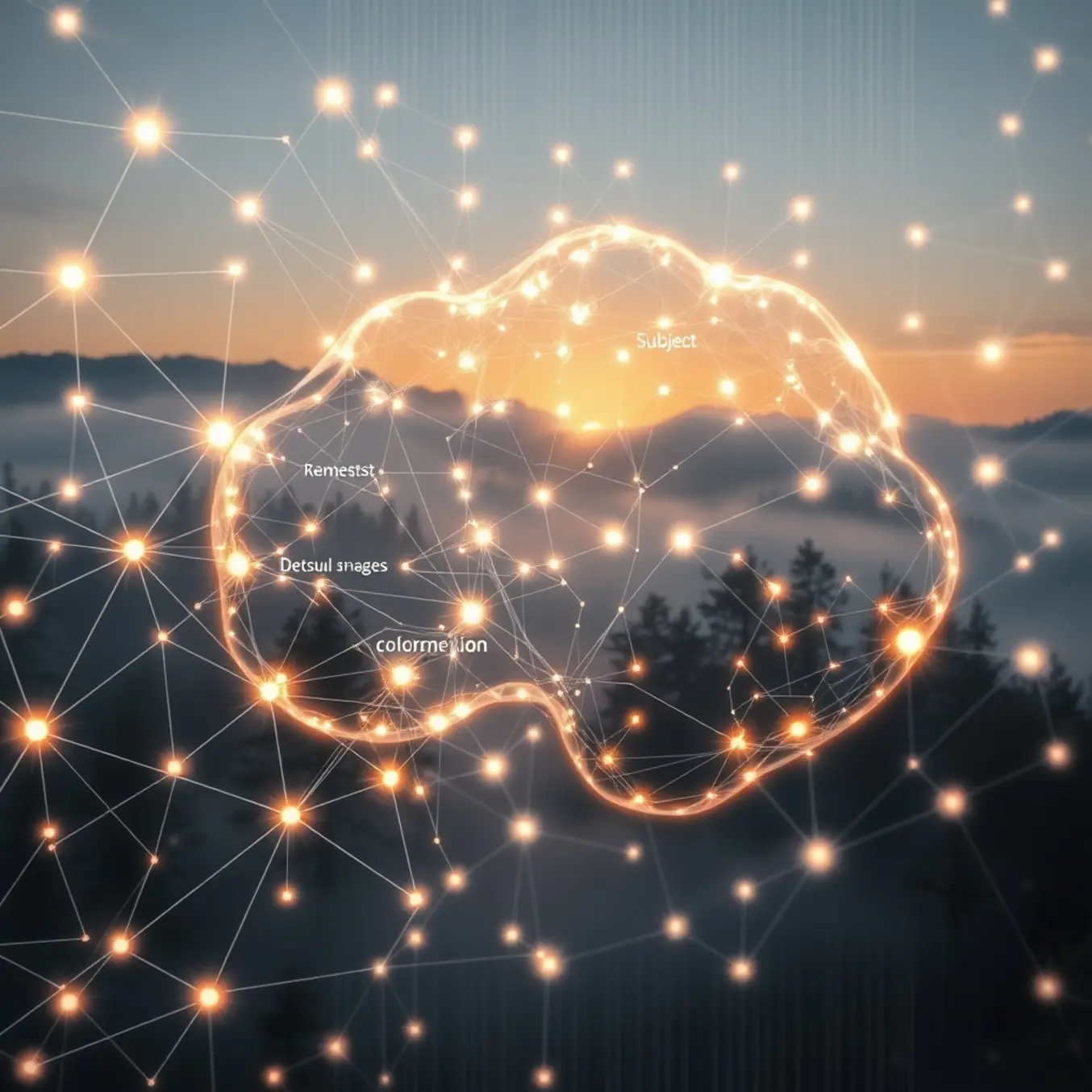
AI image composition represents the fundamental framework that determines how visual elements are arranged within AI-generated artwork. This digital equivalent of traditional artistic composition involves algorithms analyzing millions of images to understand spatial relationships, balance, and visual harmony. Unlike human artists who consciously apply compositional rules, AI systems learn these principles through pattern recognition and neural network training.
The foundation of compelling AI imagery begins with the same principles that have guided visual artists for centuries. However, AI introduces new possibilities by combining these traditional concepts with computational creativity. Understanding these core elements helps creators communicate more effectively with AI tools and achieve more intentional results.
Several fundamental principles form the backbone of effective AI image composition. The rule of thirds remains one of the most powerful guidelines, where the image is divided into nine equal parts using two horizontal and two vertical lines. AI systems trained on professional photography and artwork naturally gravitate toward placing key elements along these lines or at their intersections.
Balance and symmetry create visual stability in AI-generated images. While perfect symmetry can appear static, AI often employs dynamic symmetry or asymmetrical balance to maintain visual interest. Leading lines represent another crucial element, where AI uses natural or architectural elements to guide the viewer’s eye through the composition. Depth and perspective are equally important, with AI employing techniques like foreground, midground, and background separation to create three-dimensional space in two-dimensional images.
AI systems develop their understanding of composition through extensive training on diverse image datasets. These systems analyze compositional patterns across thousands of professional photographs, paintings, and digital artworks. Through this process, neural networks identify which arrangements humans find aesthetically pleasing and learn to replicate these patterns in new creations. As noted by researchers at Stanford University, AI’s compositional understanding emerges from recognizing statistical patterns in visual data rather than conscious artistic intent.
The Anatomy of a Perfect Prompt: Essential Components
Crafting the perfect AI image prompt requires understanding four essential components: subject, style, lighting, and composition. These building blocks work together to guide AI models toward your creative vision. Mastering each element transforms vague ideas into stunning visual results.
The subject forms the foundation of any AI image prompt. Be specific about what you want to depict—instead of “a person,” describe “a young woman with curly red hair wearing a vintage leather jacket.” Include details about age, gender, clothing, and distinctive features. For animals or objects, specify breed, model, or unique characteristics that make your subject stand out.
Context matters equally. Place your subject in an appropriate environment—whether it’s “standing in a neon-lit Tokyo alley at night” or “sitting at a rustic wooden desk in a sunlit library.” Environmental details provide crucial context that helps AI understand the scene’s mood and story. Remember that specificity in your subject description directly impacts how accurately the AI interprets your vision.
Style determines the visual treatment of your image. You can reference specific art movements like “impressionist oil painting” or “Art Deco illustration.” Alternatively, name famous artists whose work inspires you—”in the style of Van Gogh” or “photorealistic, Ansel Adams landscape photography.” Modern digital art styles like “cyberpunk,” “steampunk,” or “fantasy concept art” also provide clear stylistic direction. For those exploring creative possibilities, our guide to top AI art styles to explore in 2025 offers comprehensive inspiration.
The most effective prompts balance all four elements in a coherent description. For example: “A majestic gray wolf standing on a rocky cliff at sunrise, rendered as a detailed watercolor painting with soft morning light casting long shadows, wide-angle composition showing the vast landscape below.” This single sentence incorporates subject (wolf on cliff), style (watercolor), lighting (sunrise with shadows), and composition (wide-angle).
Rule of Thirds & Beyond: Traditional Composition Rules in AI
The rule of thirds is a fundamental photography principle that divides an image into nine equal parts using two equally spaced horizontal and vertical lines. The most important compositional elements are placed along these lines or at their intersections. This technique creates balance, tension, and visual interest while preventing subjects from appearing static or centered in a boring way. Professional photographers have used this guideline for centuries to create compelling images that naturally draw the viewer’s eye through the frame.
When creating AI-generated images, you can apply the rule of thirds through specific prompting techniques. Instead of simply describing your subject, include positional instructions in your prompts. For example, “a majestic eagle perched on a branch in the upper left third of the frame” or “a lone tree positioned at the right intersection point against a sunset sky.” Many AI image generators also offer composition tools or grid overlays that help visualize the rule of thirds during the creation process.
While the rule of thirds provides an excellent foundation, several other traditional composition principles can elevate your AI-generated artwork. Leading lines incorporate natural or architectural elements that guide the viewer’s eye through the image. Prompt for “a winding road leading toward a distant mountain” or “railtrack tracks converging at the horizon” to create depth and movement. Framing uses elements within the scene to frame your main subject, while negative space creates powerful compositions that emphasize your subject through intentional empty areas.
Successfully applying these composition rules requires thoughtful prompting and sometimes multiple iterations. Begin with clear positional language in your prompts, then refine based on initial results. Many AI art platforms allow you to control aspect ratios, which significantly affects composition—wider formats often work better for landscapes while taller ratios suit portraits. Experiment with different AI art styles to see how composition principles translate across various aesthetics.
Mastering Perspective & Camera Angles
Camera angles are fundamental tools for directing the viewer’s attention and establishing the emotional tone of an AI-generated image. The angle from which a scene is viewed can transform a mundane subject into a dramatic or intimate moment. For instance, a low-angle shot looks up at a subject, making them appear powerful, dominant, or heroic. Conversely, a high-angle shot looks down, which can make a subject seem vulnerable, small, or insignificant. An eye-level shot creates a sense of neutrality and direct connection, while a Dutch angle (tilted camera) introduces tension, unease, and dynamic energy [Source: StudioBinder].
When crafting prompts for AI, specifying the camera angle is crucial. Instead of a generic prompt like “a person in a city,” using “a low-angle shot of a person standing on a skyscraper, looking powerful against the sky” gives the AI a clear creative direction. This level of specificity helps the model understand the desired composition and emotional impact, leading to more intentional and compelling results.
Perspective is the technique used to represent three-dimensional objects on a two-dimensional plane, creating an illusion of depth and spatial relationships. Mastering perspective is key to making AI images feel immersive and believable. The most common type is linear perspective, where parallel lines appear to converge at a vanishing point on the horizon line. This technique is excellent for creating images of roads, railways, or long hallways that draw the viewer’s eye into the scene [Source: Tate].
Another powerful form is atmospheric perspective (or aerial perspective), where objects in the distance appear lighter, less detailed, and bluer due to the effect of the atmosphere. Prompting an AI with terms like “atmospheric perspective,” “hazy background,” or “desaturated colors in the distance” can add immense realism to landscapes. For a more dramatic and distorted effect, you can experiment with wide-angle or fisheye lens perspectives, which exaggerate depth and create a unique, immersive feel.
To effectively control viewpoint in your AI art, your prompts must be descriptive and precise. Use terms like “bird’s-eye view,” “worm’s-eye view,” “eye-level,” “over-the-shoulder shot,” “Dutch angle” for camera angles, and “forced perspective,” “one-point perspective,” “wide-angle lens,” “telephoto lens compression,” “vanishing point” for perspective control.
Lighting & Atmosphere: Setting the Mood
Lighting serves as the emotional backbone of any visual composition, transforming ordinary scenes into evocative narratives. In AI-generated art, mastering lighting descriptors allows creators to precisely control mood and atmosphere with unprecedented accuracy. Different lighting conditions can evoke specific emotional responses—warm golden hour light often conveys nostalgia and comfort, while harsh midday sun might suggest tension or clarity. Understanding these psychological associations enables artists to craft images that resonate deeply with viewers on an emotional level.
Several fundamental lighting setups form the building blocks of atmospheric creation in AI art. Soft lighting, characterized by gentle transitions between light and shadow, creates a dreamy, romantic, or peaceful atmosphere perfect for intimate portraits or serene landscapes. Conversely, hard lighting produces sharp, well-defined shadows that can generate drama, tension, or highlight specific elements with striking intensity. [Source: StudioBinder]
Backlighting creates silhouettes and halos, often suggesting mystery, spirituality, or transformation. This technique works exceptionally well for creating dramatic reveals or emphasizing the outline of subjects. Side lighting emphasizes texture and depth, making it ideal for revealing character details or creating moody, contemplative scenes. Each lighting type serves as a distinct emotional tool in the AI artist’s palette.
The color temperature of light significantly influences the emotional tone of AI-generated compositions. Warm tones (yellow, orange, red) typically evoke feelings of comfort, intimacy, and nostalgia—perfect for cozy interiors, romantic scenes, or golden hour landscapes. Cool tones (blue, green, violet) often create sensations of melancholy, mystery, or detachment, making them ideal for night scenes, futuristic settings, or emotionally distant moments. Our exploration of AI art styles demonstrates how color temperature interacts with different artistic approaches to create unique atmospheric effects.
When crafting AI art prompts, specific lighting descriptors yield dramatically different results. Consider these effective combinations: cinematic lighting creates dramatic, professionally-lit scenes with careful shadow placement; moody lighting generates deep shadows and high contrast for emotional intensity; ethereal glow produces soft, otherworldly illumination perfect for fantasy or spiritual themes; and volumetric lighting emphasizes light rays and atmospheric particles for magical effects [Source: Creative Bloq].
Advanced Techniques: Negative Prompts & Weighting
Negative prompts are exclusion commands that tell AI image generators what elements to avoid in the final output. These instructions help eliminate unwanted artifacts, improve composition, and refine your creative vision. For example, adding “blurry, distorted faces, extra fingers” to your negative prompt can significantly enhance portrait quality by preventing common AI generation errors.
Research shows that negative prompting is particularly effective for specific artistic styles where precision matters most. When working with photorealistic or architectural styles, negative prompts help maintain structural integrity and visual coherence. The technique works by steering the AI away from probability paths that would otherwise produce undesirable elements based on its training data.
Start with common issues like “blurry, distorted, pixelated, watermark, text” to establish a baseline of quality control. Then, add style-specific exclusions—for abstract art, you might exclude “realistic, photographic elements,” while for portraits, you’d exclude “multiple faces, deformed features.” The most successful negative prompts often include both technical quality terms and conceptual exclusions that align with your creative intent.
Platforms like Midjourney and Stable Diffusion respond differently to negative prompts, so testing across multiple generators is crucial. Studies demonstrate that systematic negative prompting can improve output quality by up to 40% compared to positive-only prompts. Meanwhile, building a library of proven negative prompt combinations for different genres can streamline your workflow and ensure consistent results.
Keyword weighting allows you to emphasize or de-emphasize specific elements within your prompt using numerical values or syntax. Most AI platforms use parentheses and colons—(keyword:1.5) increases importance, while (keyword:0.7) reduces it. This granular control helps balance competing elements and fine-tune the prominence of specific features in your composition.
For instance, “a (colorful:1.8) sunset over (mountains:0.8)” would produce a vibrant sky with subtler mountain features. The weighting system essentially tells the AI which elements should dominate the visual hierarchy and which should play supporting roles. Research indicates that proper weighting can resolve conflicting prompt elements that might otherwise confuse the AI model.
The most powerful applications emerge when you combine negative prompts with strategic weighting. This dual approach gives you comprehensive control over both what the AI includes and how prominently those elements appear. A well-crafted prompt might exclude unwanted features while simultaneously emphasizing your key visual priorities.
Putting It All Together: Real-World Examples
Let’s examine a prompt that combines multiple composition techniques to create a compelling character portrait: “A seasoned sea captain in his late 50s, standing on the deck of his weathered ship during a stormy sunset, cinematic lighting, hyper-detailed facial features showing wrinkles and character lines, dramatic shadows, 8k resolution, photorealistic style, medium shot from a low angle to emphasize his imposing presence against the turbulent sky.”
This prompt effectively layers several key elements. First, it establishes a clear subject with specific attributes (age, profession, setting). The inclusion of “cinematic lighting” and “dramatic shadows” provides strong visual direction, while “hyper-detailed facial features” ensures the AI focuses on texture and realism. The composition is further refined with “medium shot from a low angle,” creating a powerful perspective that enhances the character’s presence. This structured approach demonstrates how combining subject specification, style direction, and compositional framing produces professional-grade results.
For our second example, consider this fantasy landscape prompt: “An enchanted forest at twilight with bioluminescent mushrooms and floating will-o’-the-wisps, magical realism style, soft glowing light sources, intricate details in the foliage and bark textures, misty atmosphere, wide-angle composition showing a winding path leading into the depths of the forest, 4k resolution, trending on ArtStation.”
This prompt excels at creating atmosphere and depth through careful layering. The “magical realism style” establishes the artistic direction, while specific elements like “bioluminescent mushrooms” and “floating will-o’-the-wisps” provide unique visual anchors. The inclusion of “wide-angle composition” and the “winding path” creates natural visual flow, guiding the viewer’s eye through the scene. References to platforms like “ArtStation” help align the output with contemporary digital art standards, showing how platform-specific terminology can influence style.
For more experienced users, blending different AI art styles can produce truly unique results. Consider this advanced prompt: “A cyberpunk samurai warrior in a neon-lit Tokyo alley, blending ukiyo-e woodblock print aesthetics with futuristic elements, bold outlines characteristic of Japanese art combined with glowing neon details, dynamic action pose, rain-slicked streets reflecting colorful signs, high contrast between traditional and modern elements.”
This sophisticated prompt demonstrates style fusion by combining historical Japanese art techniques with contemporary cyberpunk themes. The specific reference to “ukiyo-e woodblock print aesthetics” provides clear stylistic direction, while “glowing neon details” maintains the modern cyberpunk elements. The result showcases how understanding different artistic movements allows for creative combinations that push beyond standard genre boundaries.
According to AI art research from arXiv, effective prompt engineering often involves this type of conceptual blending, where unrelated domains are combined to generate novel visual concepts. Meanwhile, Nature Machine Intelligence notes that the most successful AI art prompts typically include both concrete visual descriptors and abstract stylistic guidance.
Sources
- arXiv – A Comprehensive Analysis of AI Art Generation Techniques
- arXiv – Systematic Negative Prompting for Improved AI Image Quality
- Creative Bloq – Lighting Techniques for Artists
- Stanford University – How AI Learns to See and Create
- MIT Media Lab – AI and Creativity Project Overview
- Nature Machine Intelligence – Advanced Prompt Engineering Techniques
- OpenReview – Keyword Weighting in AI Image Generation
- Pictomuse – Top AI Art Styles to Explore in 2025